 Isuru
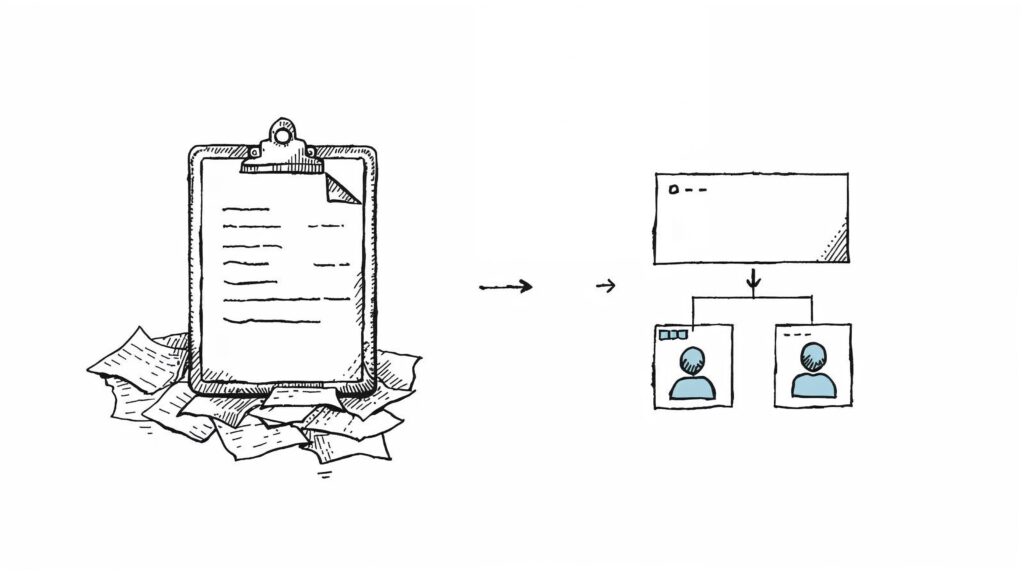
Isuru A personal trainer reached out because his business had outgrown the way he was running it. He was coaching three kinds of clients, private in-person, online remote, and small groups, and tracking all of it across tools that didn’t talk to each other. Workouts in one app. Client notes in another. Session counts in his head.
He runs the whole thing himself, as coach, admin, marketer, and scheduler. What he wanted was one workspace that could hold the entire business, and give each client a proper place to check their program and progress.
The Challenge
His setup wasn’t chaotic so much as scattered. Every new client meant rebuilding the same program structure by hand. Three service types meant three slightly different ways of tracking the same details. And the business side, invoices, contracts, maintenance schedules, content ideas, and goals, lived mostly in his head or in a handful of notes apps.
He also had a training method he’d refined over the years, called “The Quest,” built around phases, monthly objectives, weekly goals, strength logs, and a short assessment of each client’s obstacles, strengths, and support. It worked well. The problem was that setting it up fresh for every client took hours.
What I Built
The first decision shaped everything else: I split the workspace into two clear sides. One internal, for running the business, and one external, for what clients actually see. Same workspace, clean line between them.
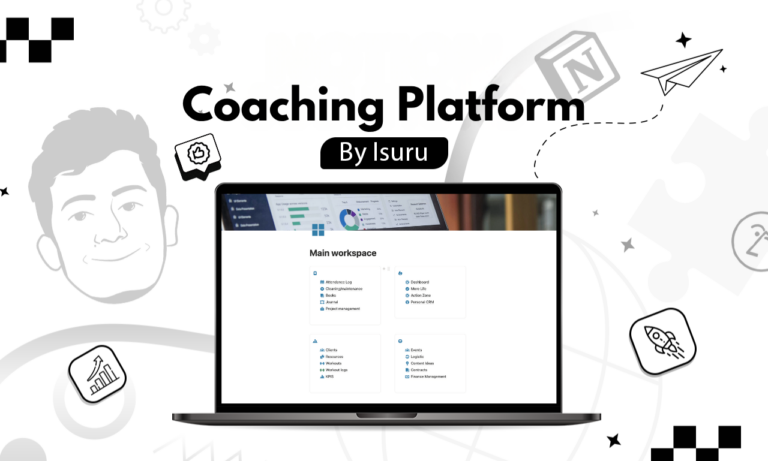
A dashboard that opens to today. Instead of a homepage full of links, the dashboard pulls live from every part of the business: active clients, today’s tasks, upcoming projects, contracts, the maintenance calendar, content ideas, and goals. He opens Notion in the morning and sees the day laid out.
A client list organized by service type. Private, remote, and small group clients each have their own group, with separate views for 4, 8, and 12-session packages. Each client card links straight to their portal, their attendance log, and their active Quest, so there’s no mental math about who’s on which plan.
The Quest as a reusable program. This is the piece that saved the most time. I rebuilt his Quest as a Notion template, so each new client’s program starts from the same structure instead of being built from scratch: phases, objectives, monthly and weekly goals, a strength log, and the client assessment. Because every Quest shares one structure, he can line up all active clients side by side or drop into any single one.
Client portals that actually do something. Each client gets a bio card, an attendance tracker that doubles as a session purchase log, a place for waivers and documents, a resources area for files, and a workout log split into Warm-up, Workout, and Cooldown with week-by-week tracking. They open it from a single link, with no Notion account needed.
An action zone for what to do next. Tasks arrive from client work, projects, and content ideas, and sort themselves into simple views: Inbox for anything unprocessed, Due Now, Due Soon, phone tasks he can knock out between sessions, laptop tasks for focused work, and Completed. He’s never left wondering what to pick up next.
The Result
One workspace now holds the business. Onboarding a new client starts from a template instead of a rebuild. Every client has a space to check their program and attendance. And the internal side keeps finances, contracts, and maintenance in the same place he plans content and projects.
The biggest change is mental. He isn’t carrying the business in his head anymore. The dashboard carries it for him.
The Decision That Held It Together
If there’s one move that made this work, it was splitting internal from external before building anything else. Once you separate what the business needs from what a client should see, you can design each side properly instead of forcing one layout to serve both. Everything after that, the client list, the portals, the Quest, fell into place because the foundation already knew who it was for.