 Isuru
Isuru A Queensland construction company reached out while they were growing faster than their systems could keep up with. They run three service lines, concrete, concrete pumping, and earthmoving, off five trucks and a crew of operators and concreters. The work was going well. The admin behind it was quietly falling apart.
Everything ran on four tools that didn’t know about each other. Google Forms collected pre-starts, inspections, and job bookings. Zapier pushed the responses into Google Sheets. Connect Team handled the roster. And Notion had started creeping in for notes. Each tool did its own job, but nothing connected, so a person in the middle had to keep carrying information from one to the next.
The Challenge
The gap between the tools was where the work piled up. A truck pre-start filled in each morning landed in a spreadsheet nobody opened. A new job came in through a form, got copied into the roster by hand, and then someone messaged the crew separately to tell them. Equipment servicing had no system at all, so a service was either remembered or missed. Onboarding a new hire meant sending four different form links and chasing license uploads over text.
Add it up and admin was losing hours every week just shuttling information between apps. None of it was hard work. It was the kind of copy-paste that grows with the business until someone’s whole week is spent on it.
What I Built
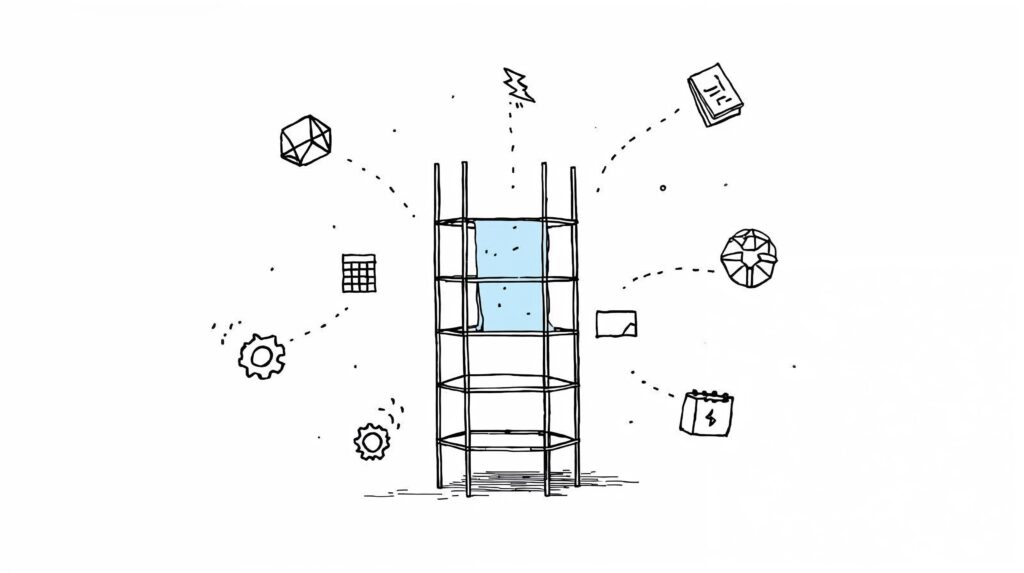
The whole workspace runs on one idea: a single action should set off everything that follows it. When admin books a job in Notion now, that one entry creates the roster spots for the assigned crew, the task list for the job, and the equipment assignment, all at once. What used to touch three apps and take about fifteen minutes of copy-paste is now one form submission.
That form is native to Notion. The old Google Forms are gone, and so is the Zapier layer that used to shuttle their responses around. A phone-friendly form now feeds straight into the right database, which covers about 95% of what the team submits day to day.
Underneath, everything hangs off a Master Task Tracker. It is one task database that every dashboard reads from, and tasks land in it from three directions on their own: new job bookings, equipment service dates coming due, and issues flagged on a pre-start. The crew sees the same tasks sliced by Today, Overdue, By Job, By Assignee, and This Week.
Equipment finally has a memory. Every truck, pump, and machine has its own record with rego, service dates, and an hour meter. A formula watches the service dates and drops a task into the tracker the day before something is due, and again if it goes overdue. Pre-start checks and inspection photos attach straight to the machine they belong to, so a truck’s history is one click away instead of buried in a form-response sheet.
Onboarding became one link. Each staff member has a profile holding their role, start date, certifications, and emergency contacts, with five onboarding forms attached right to it: staff details, SWMS acknowledgement, pre-start issue log, license upload, and vehicle induction. A new hire gets one link instead of four, and every license they upload files itself against their profile.
Everyone sees only their slice. Admin, staff, and content each get their own dashboard. Admin sees every job, task, and staff card plus the analytics; staff see their own schedule and the forms they need to fill in; and a separate content dashboard runs the company’s social media planning on the side. The scheduling views replaced Connect Team outright, with a weekly calendar, a job view, and per-staff filters that fill in automatically when a job is booked.
The Result
Four tools collapsed into one. Booking a job is now a single Notion entry that fans out into the roster, the tasks, and the equipment assignment, instead of fifteen minutes of copy-paste across three apps. Services get flagged before they are missed. Onboarding is one link. And admin got back the hours it used to spend being the glue between systems that wouldn’t talk.
The Real Fix Wasn’t the Tools
It would be easy to say the win was going from four tools to one, but that isn’t really it. Plenty of businesses consolidate their apps and still do the same manual work in a tidier place. What changed here was that the connections between the tools became the system. Once a job booking could reach into the roster, the task list, and the equipment log by itself, the person who used to carry information between apps simply wasn’t needed for that step anymore. That is the part that holds up as the trucks and the crew keep multiplying.