 Isuru
Isuru A photobooth doesn’t just show up at a wedding. Someone spoke to the client three weeks earlier, someone designed the custom backdrop, and someone worked out which van was free on Saturday, which of the seven staff were on shift, and which booth was already promised to a corporate job on the same day. By the time the booth is set up, a dozen small decisions have stacked on top of each other. For this company, every one of them lived in a different Excel sheet.
The client is a photobooth rental company in Germany, seven people renting several booth models to corporate clients, private customers, and venues. The whole operation ran on spreadsheets and memory, and it was starting to strain.
The Challenge
The company had run on Excel for years. One sheet for bookings, one for vehicles, one for staff schedules, and client details spread across email threads and PDFs. Whenever they returned to a venue they had worked before, someone rebuilt the location details from scratch.
The real problem wasn’t the spreadsheets themselves. It was that none of them talked to each other. An event in one sheet had no link to its client, its assigned booth, the van delivering it, or the person setting it up. So when anything changed, a shifted date or a staff swap, it had to be updated in four places. Sometimes it only made it into three, and that gap was where double-bookings came from.
What I Built
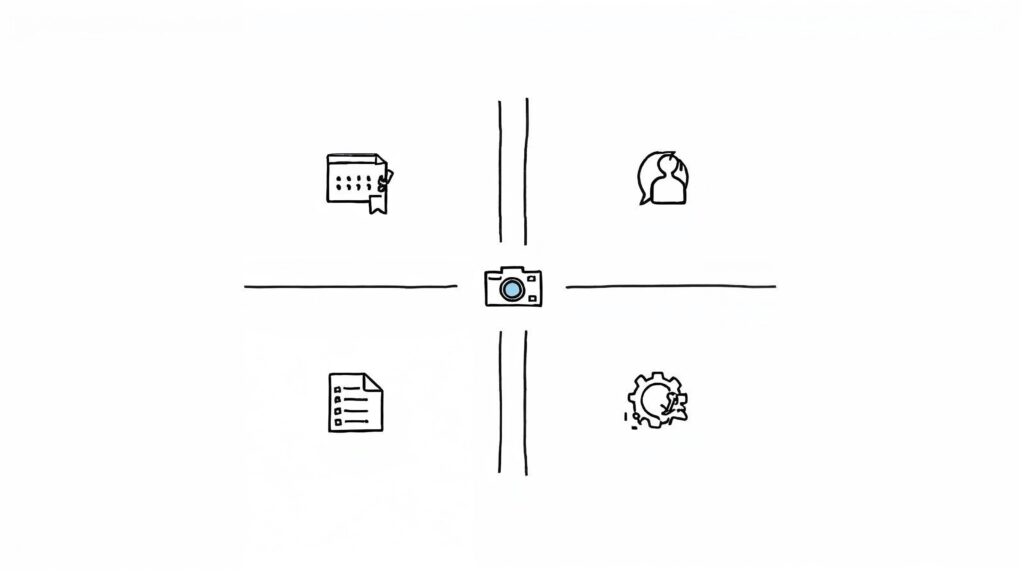
The first decision shaped everything else: the Event became the center of the workspace. Clients, locations, booths, vehicles, staff, graphics, shopping lists, and finances all relate back to it. Open one event and you see everything tied to it in a single view, with no tab-hopping.
A homepage organized in four groups. Core entities (Events, Event Information, Photobooth Model, Event Location, Clients) hold the who, what, and where. Event assets (Guest Book, Backdrop, Props, Resources, Vehicle, Event Gallery) hold everything physical or visual tied to a booking. Operations (Todo, Staff and Vehicle Planning, Team Directory) run the day to day. Intake and finance (Requesting Information, Finance, Shopping Lists) handle what comes in and goes out.
A command center on every event page. Open a booking and you get its status (Lead, Confirmed, Delivered), type, client, location, assigned booth and backdrop, and its own filtered to-do list. Two checklists, one for the graphic designer and one for after the event, load automatically from templates, so every new event starts with the same structure. Below that sit the brief, the client record, the booth and backdrop previews, the form response, props, gallery, shopping list, staff and vehicle planning, and finance. Every section is filtered to that one event, so nothing from other bookings bleeds in.
Conflict prevention by date. Pricing wasn’t the priority; not double-booking equipment was. Two events on the same Saturday can’t share a booth, and the same goes for backdrops, vehicles, and props. So instead of a plain available-or-not flag, each asset checks its availability against every other booking for that specific date. When someone opens an event, the booth and backdrop cards show whether they are free that day, and for models the company owns several of, the system tracks how many units are left rather than a simple yes or no. A clash becomes visible before it happens, instead of surfacing when two clients call about the same booth.
A German intake form that feeds itself in. I replaced the old PDF with a Tally form embedded in the workspace, written in German for the team and their clients. When a client submits, it creates a new entry in the Requesting Information database on its own, with no copy-pasting. The form captures what actually matters on the ground: contact person on site with phone, event date, start and end times, setup and pickup slots, access details like stairs or a gravel path, parking, and notes. Three warnings sit right above the fields where clients can’t miss them: power is needed within five meters, the booth isn’t weatherproof, and a table has to be ready for props. New inquiries still get reviewed and assigned to an event by hand, on purpose, because not every inquiry becomes a booking and the team wanted a human checkpoint before anything hit the calendar.
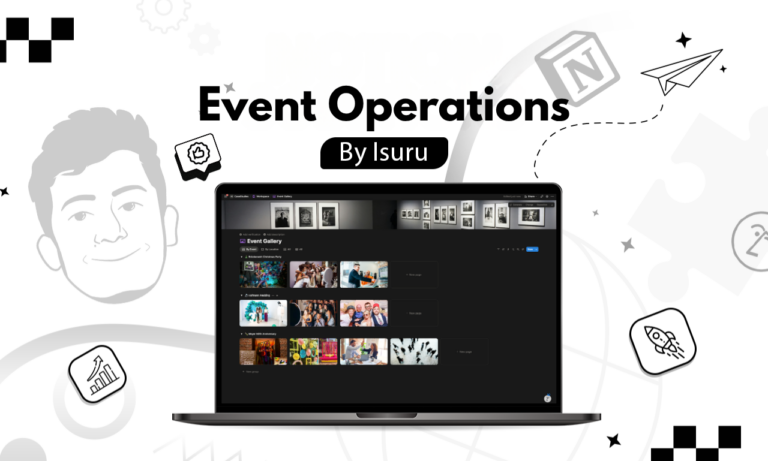
A gallery that turns old jobs into reference. The Event Gallery has two views, by location and by event. When the team books a venue they have worked before, they can pull up every past event there and see exactly how they set up and what they shot. Old events stop being dead archive and become a setup guide.
The Result
The company went from six-plus disconnected Excel sheets and scattered email to a single teamspace where every event is one click from its client, location, booth, vehicle, staff, checklists, and finances. Double-bookings became visible instead of accidental. The form ended the manual re-entry of client details. And because the space is set up for all seven employees with role-based access, each person sees what they need: designers see briefs and checklists, staff see their assignments, and the owners see the whole calendar.
The Idea That Made It Click
What made this work was picking the right center. A business like this doesn’t revolve around departments or tools; it revolves around the event. Once the event page became the hub and every other database filtered back to it, the rest of the design fell out naturally. Most rental, agency, and service businesses share the same shape, one core transaction that everything else orbits. Find that unit first, and the workspace almost builds itself around it.