 Isuru
Isuru A social media agency came to me because growth had quietly broken their setup. When they had one or two clients, a few Notion pages and a shared content calendar were enough. By the time they were running a dozen clients with editors attached to each one, that same setup had turned into a daily scramble.
The clearest sign was onboarding. Every new client meant rebuilding the whole structure by hand, copying pages, recreating databases, and hoping the editors could work out what was due. It took hours, and it got a little messier each time. The founder was still scripting videos, talking to clients, and reviewing edits on top of all that, with no single place to see what was happening across the accounts.
The Challenge
The real problem was that three different people needed three different things out of the same work. The founder needed a view across every client at once. Each client needed to see only their own content and where it stood. Each editor needed a clear list of which videos to cut and by when. The old workspace tried to serve all three from the same scattered pages, so nobody had a clean view and everything depended on the founder holding it together in their head.
Adding a client should have been the easy part of growing. Instead it was the most painful, because there was no ready-made setup to pull from, only a structure to rebuild from memory every time.
The Approach
I mapped the whole thing out before building anything, so the founder could see how it would fit together first. The shape that made sense was a hub and spoke: one internal HQ where the founder runs everything, and a separate portal for each client that shows that client only their own work.
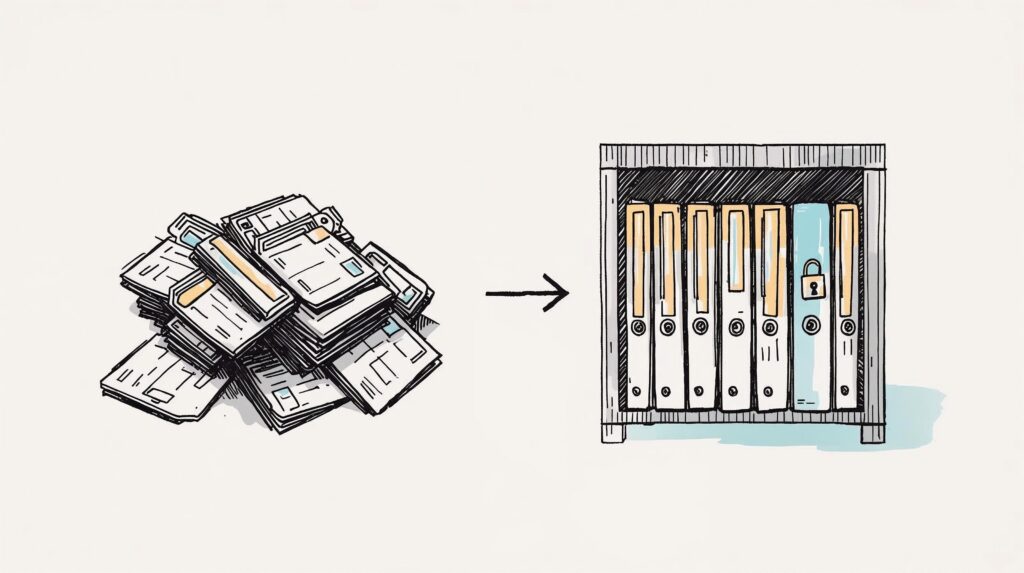
The key decision was to turn the client portal into a preset template. Adding a new client builds their whole portal automatically, laid out and ready, so there is nothing to recreate by hand. Editors get their own view nested inside each client’s space, shared separately, so they only ever see the videos assigned to them. Each client’s work also lives in its own space rather than a shared pile, so nobody can wander into another client’s content.
The Build
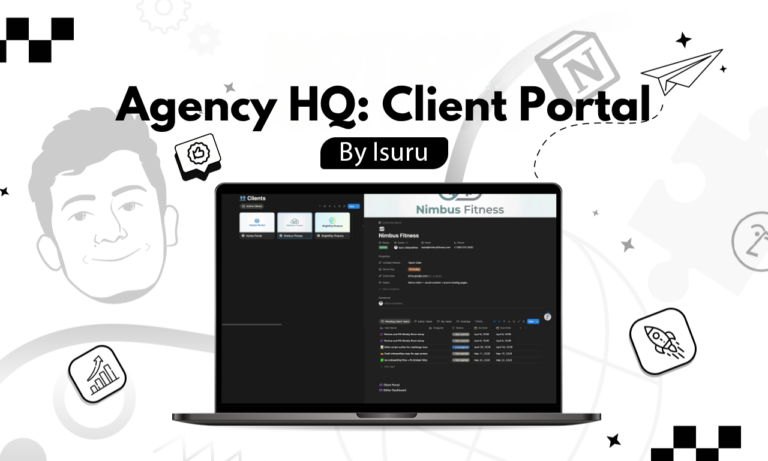
The founder’s HQ is one dashboard that pulls every client’s tasks into a single place, with quick views for what is due today, what is overdue, and what each editor is working on. It is the one page they open to start the day and know exactly what needs attention.
Each client gets a portal with everything they touch in one place: a content pipeline they can follow from idea to published, a space to submit and approve ideas, and a simple view of what is coming up. Content moves through a clear pipeline, and the tasks for each piece are created automatically and handed to the right person, so the founder is not assigning work by hand every time.
There are two portal templates, a full one and a lighter one, so the founder can match the setup to the size of the engagement. Adding a new client spins up the right portal on its own, and all that is left is to share the correct views.
The Result
Onboarding a new client is now a matter of minutes instead of a manual rebuild. Add the client, their portal builds itself from the template, share it, and the client and their editor are ready to go.
Everyone now has their own clean view of the same work. Editors log in and see exactly which videos to cut and when. Clients follow their own content and approve it without leaving their portal. The founder sees every client, editor, and deadline from one dashboard instead of carrying it all in their head. The system was built so that the twentieth client is as easy to add as the second.
What I Learned
If onboarding a new client means copying pages by hand every time, you have a workaround rather than a system, and it only gets heavier as you grow. The thing worth building is the opposite: a setup where adding the next client is the easy part. Once a new client’s portal built itself from a template, growth stopped being the thing that broke the workspace.