The Client
A small service agency running multiple client engagements in parallel. Day-to-day operations are managed from inside a shared Notion workspace rather than a dedicated PM tool. The team is internal only, with project coordinators handling client setup and a delivery team executing the work across every active engagement.
The Problem
Every new client started as a duplicated copy of the previous client’s page, including the task list. Because tasks were embedded inside project pages instead of created as standalone records, the relation property was wiring duplicated tasks back to every project they had ever lived in. Opening one project showed tasks from every project. Marking a task done on one client closed it on another.
On top of that, there was no overview. Every client lived in their own duplicated page, so simple questions like “what’s active this week” or “who’s overloaded” meant opening each client page one by one.
The Solution
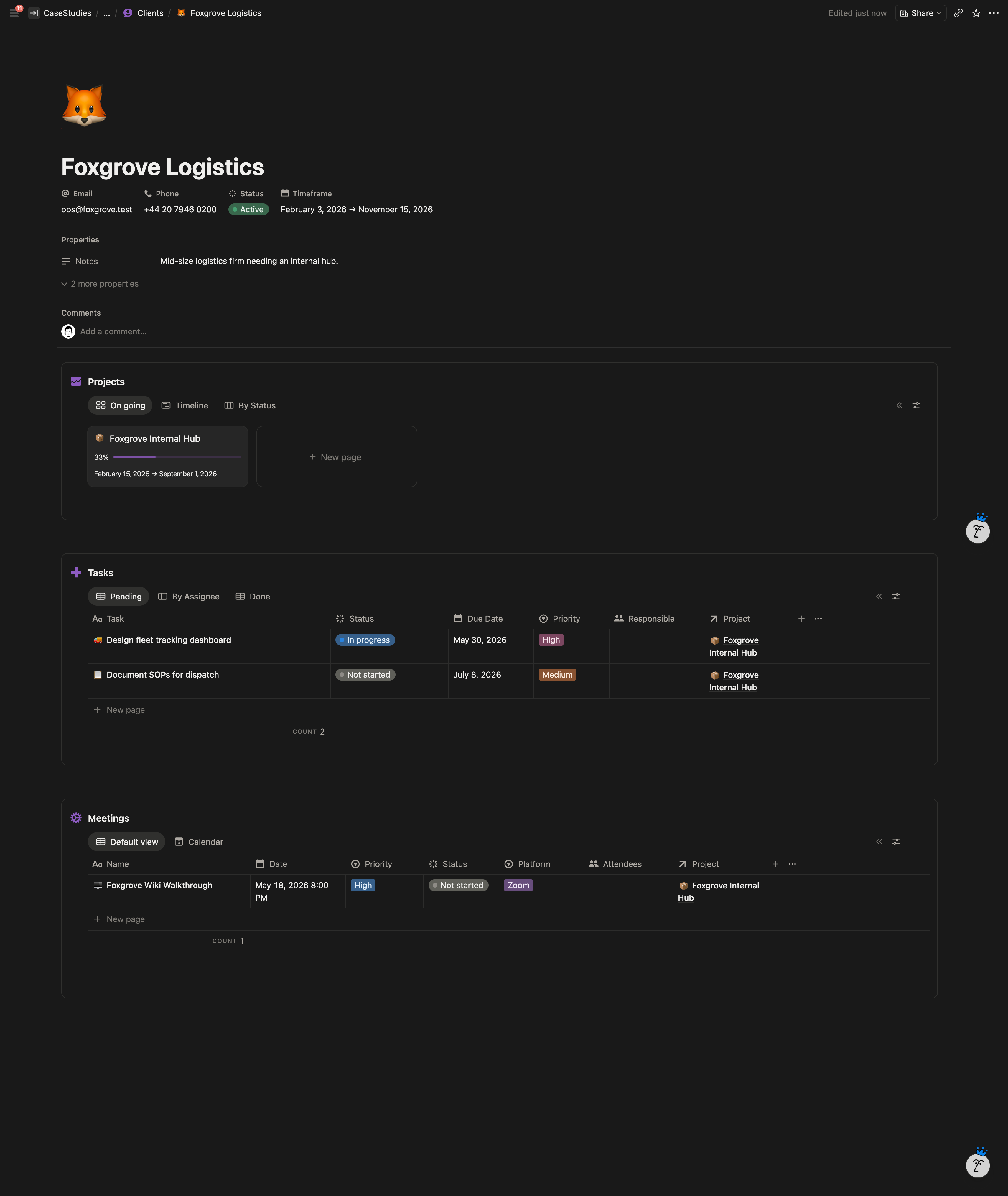
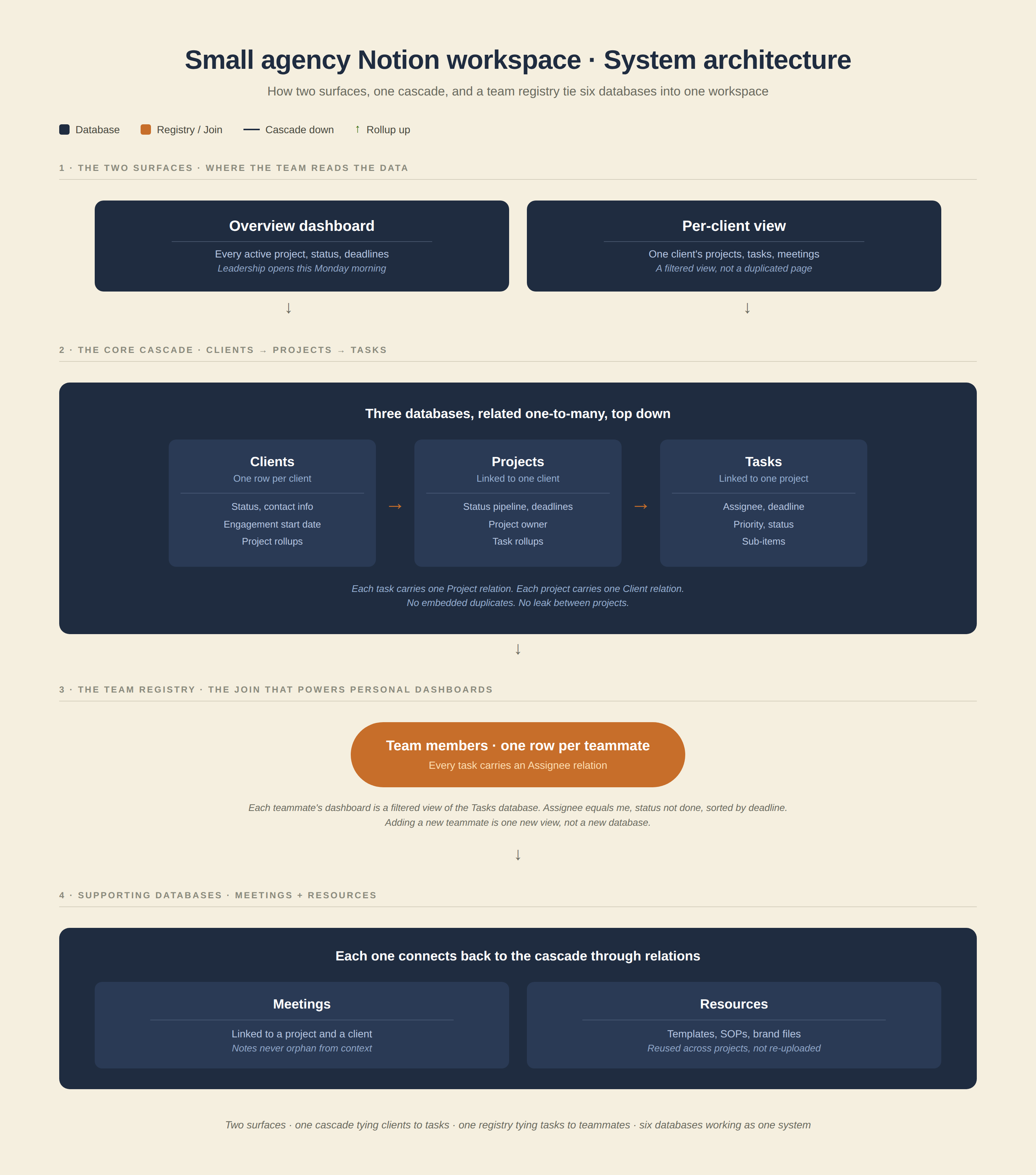
One centralized data model instead of duplicated pages. Clients, projects, and tasks each live in their own database and connect through relations. Each client gets a filtered view of the central data, not a copy of the system. The team gets two surfaces reading from the same underlying data: a focused per-client view for drilling into one engagement, and an overview dashboard showing every project across the agency.
Adding a new client is now a row in the Clients database. Spinning up a new project pulls a template that pre-populates the standard task list. Nothing gets duplicated. Nothing leaks between projects.
What I Built
Core Databases
Six databases form the spine of the workspace:
- Clients — one row per client, with status, contact info, and rollups of every project, task, and meeting tied to them.
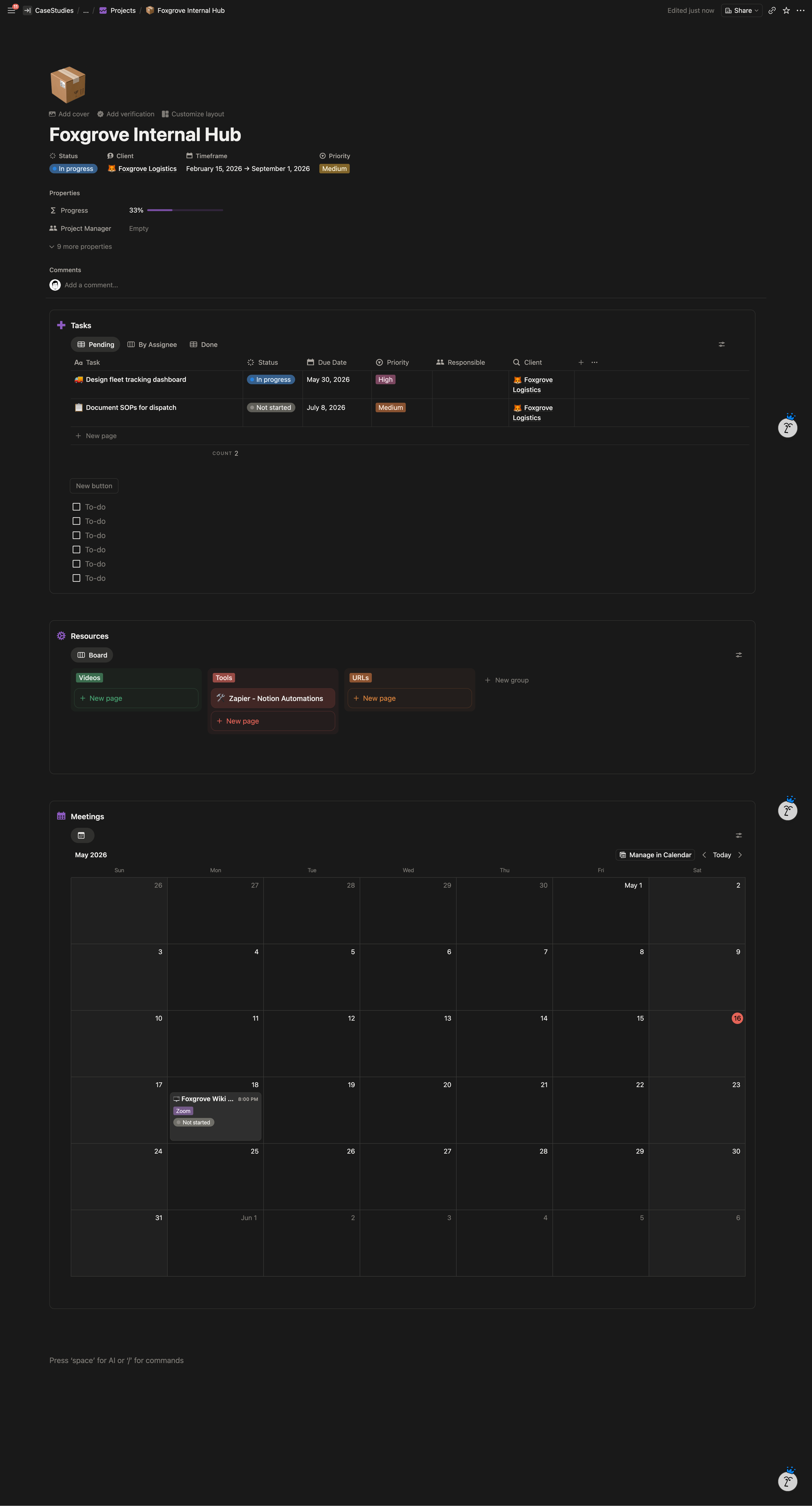
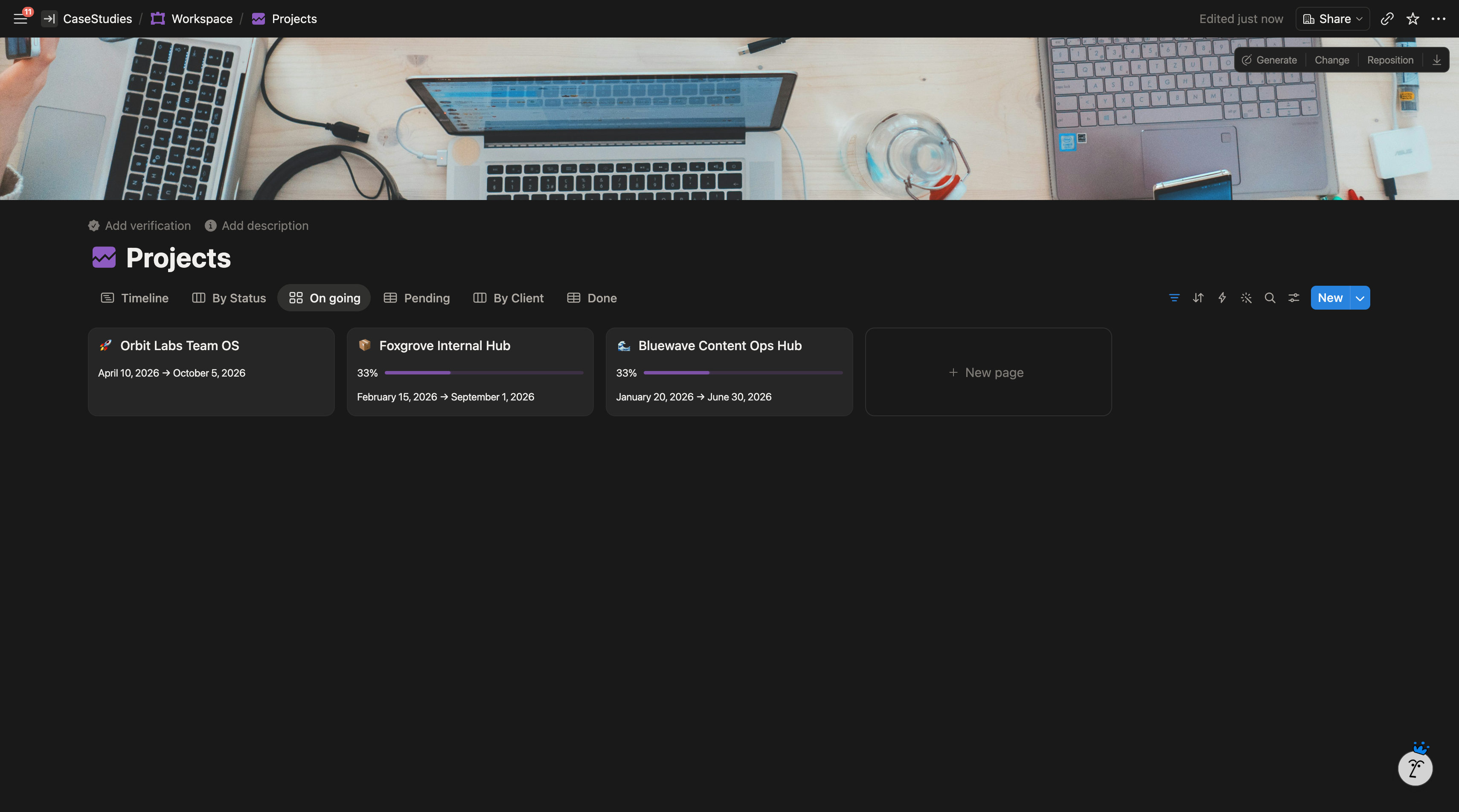
- Projects — one row per project, linked to exactly one client. Holds the status pipeline, deadlines, project owner, and a rollup of tasks underneath.
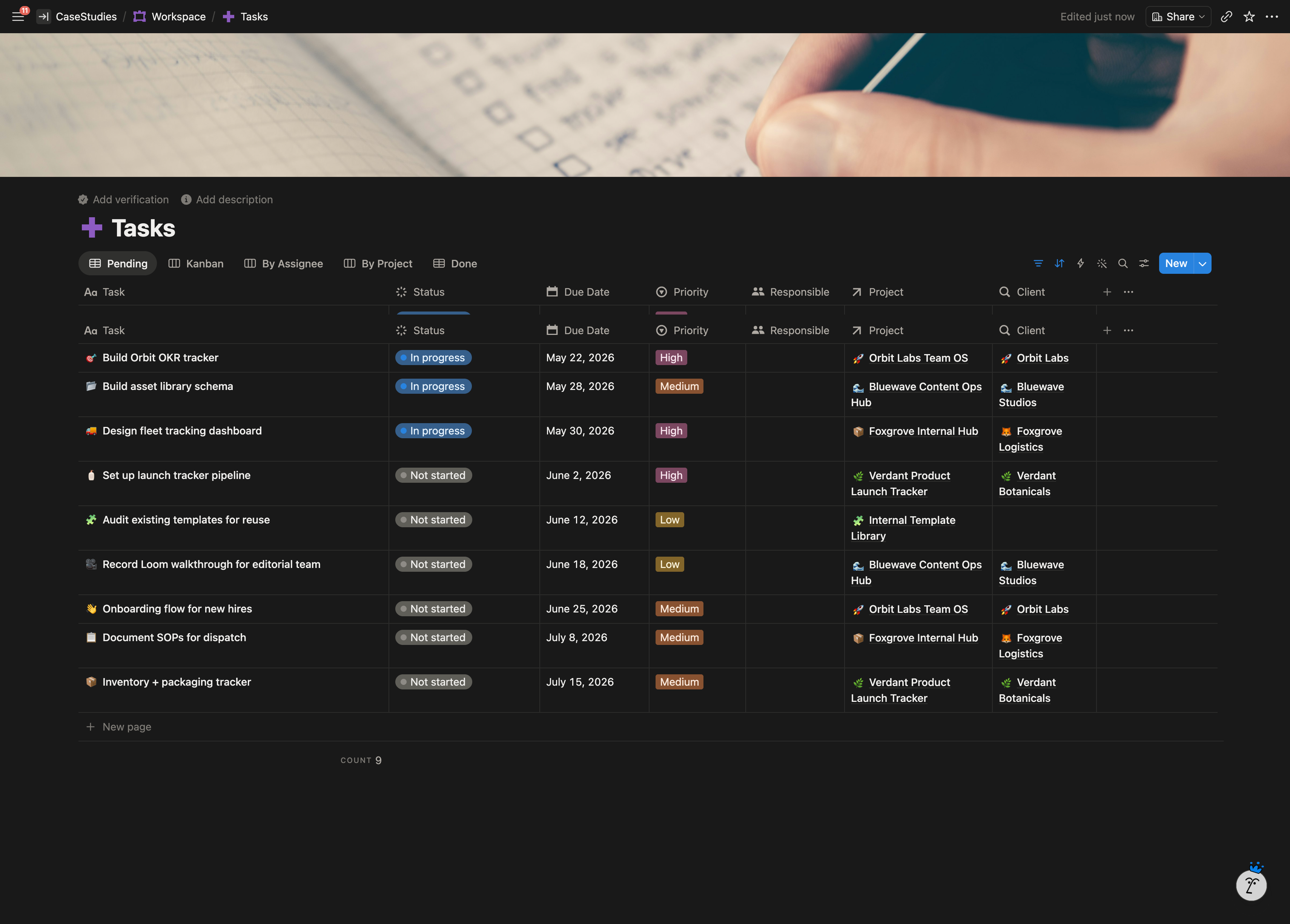
- Tasks — one unified task database. Each task has a single Project relation. This is where the original leak got fixed: tasks live as standalone records, not embedded duplicates inside project pages.
- Meetings — linked to a project and a client, filterable as client-facing or internal.
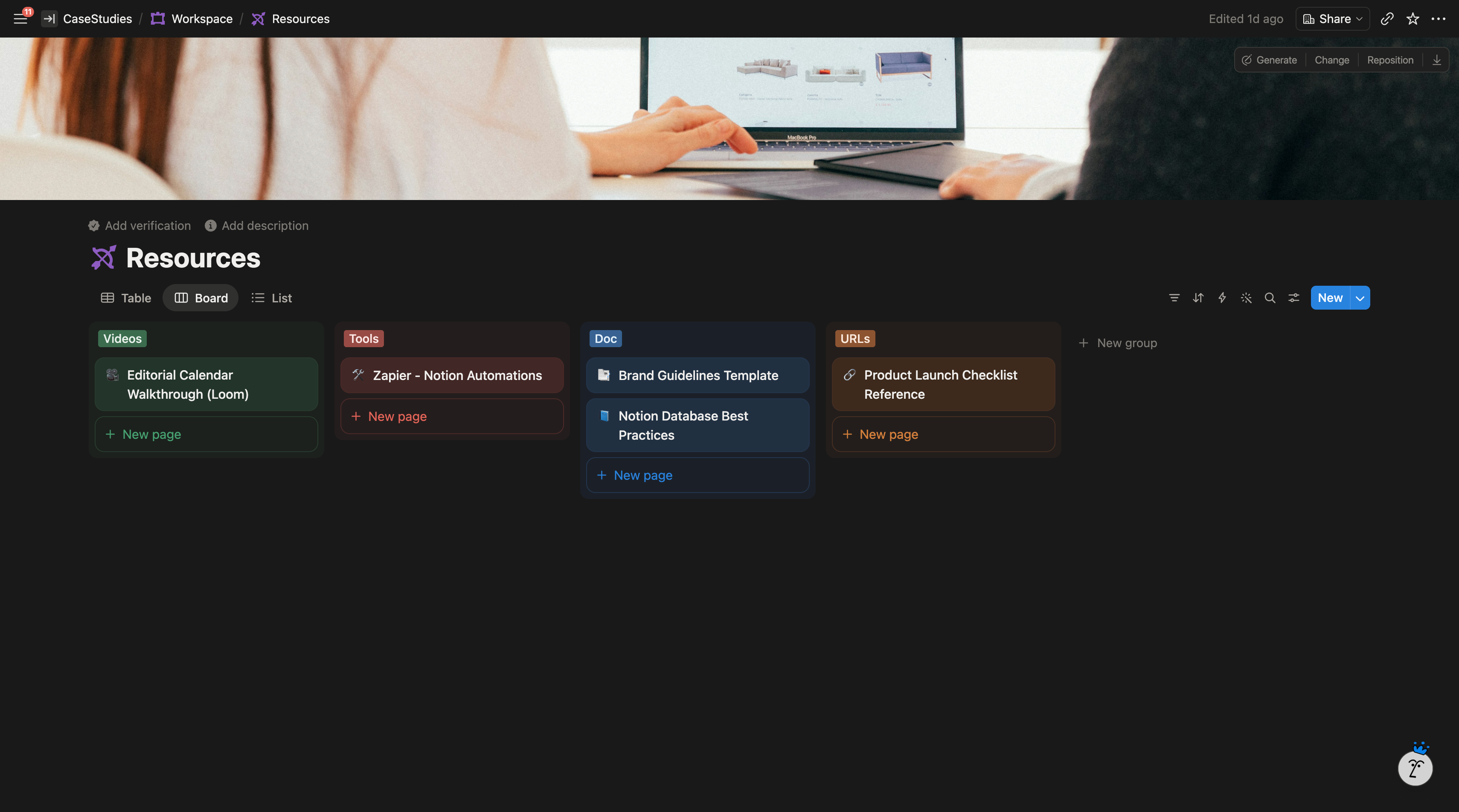
- Resources — the reusable asset library. Templates, brand files, SOPs, tagged by type.
- Team Members — one row per teammate, driving the personal dashboard filtering.
Pages & Views
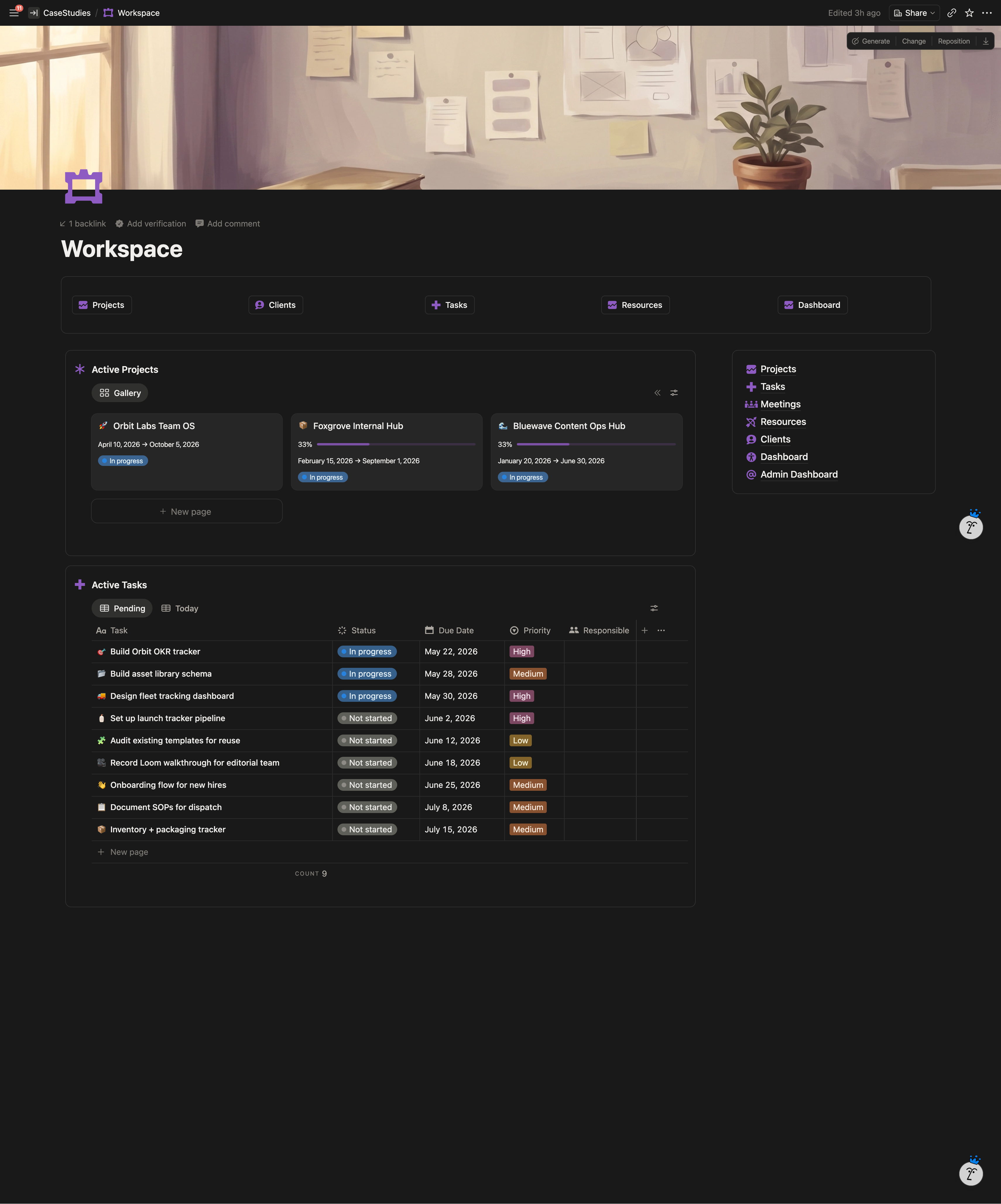
- Per-client view — filtered view of Projects where Client equals the selected client. Account managers open one page and see that client’s entire world.
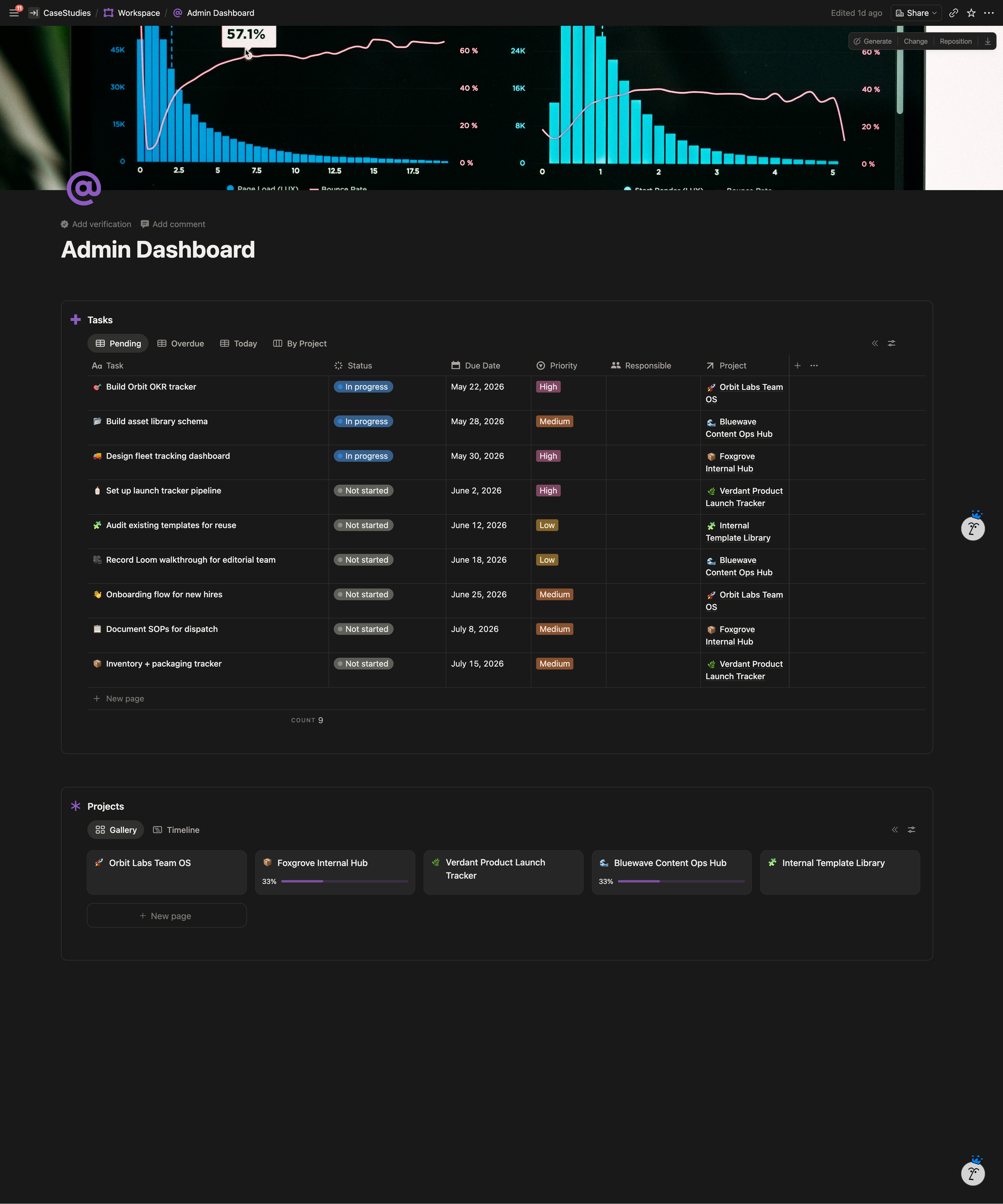
- Overview dashboard — every active project, status rollups, calendar view of deadlines, quick links into each client.
- Calendar view — unified across every project so the team sees workload and deadlines in one place.
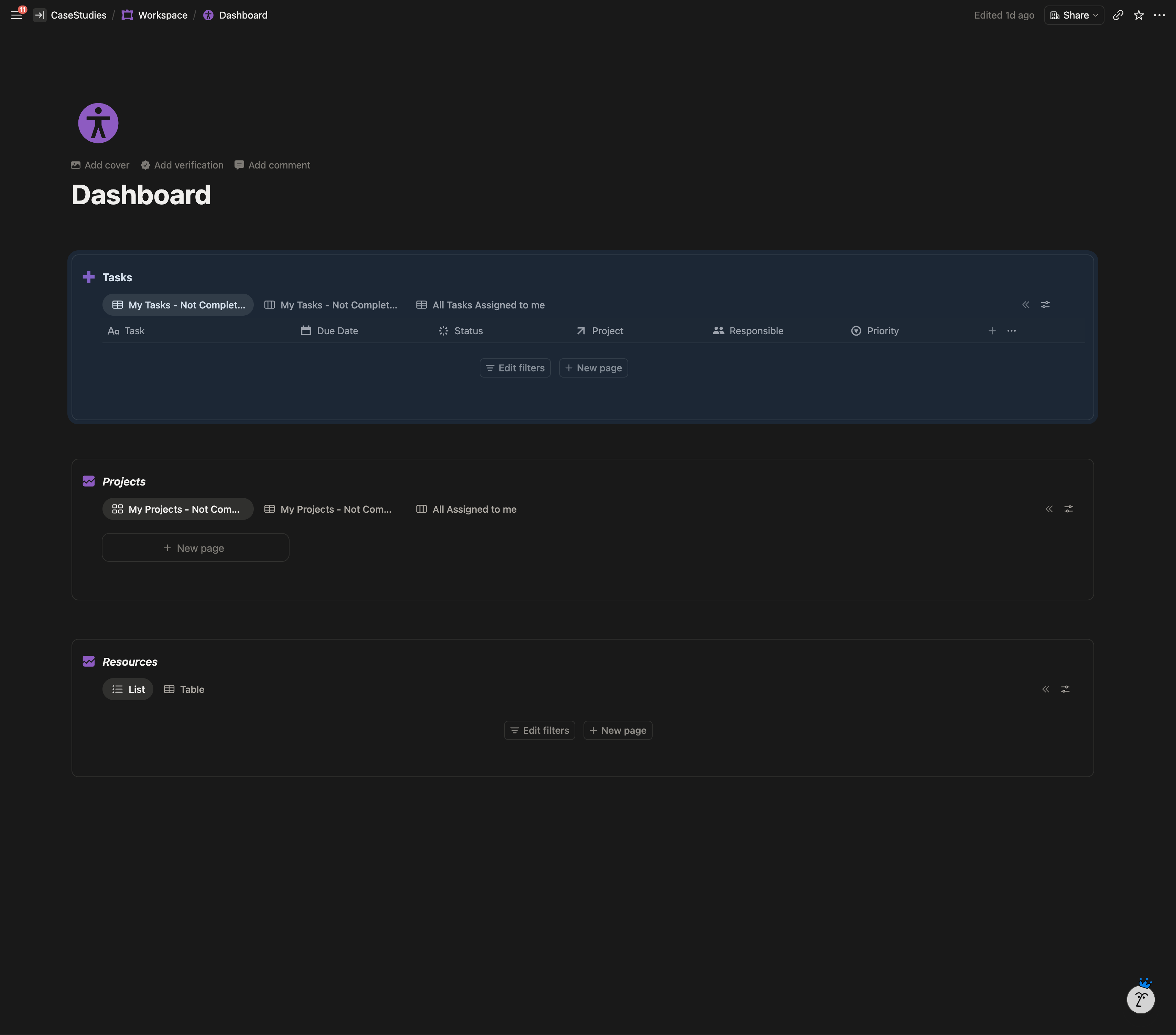
- Personal team dashboards — filtered views of the Tasks database showing only the logged-in teammate’s tasks, sorted by deadline.
Project Templates
New projects spin up from a Notion template that pre-populates the standard task list, owner placeholders, and deliverable checklist. Onboarding a new client is a row plus a template click instead of an afternoon of rebuilding.
Refactor, Not Rebuild
The whole thing was built on top of the existing workspace. Their historical data, clients, and project records were preserved and reorganized in place. No migration, no re-entry.
Highlighted Features
- One Tasks database, many dashboards. Every task in the agency lives in one table. Each team member’s view is a filter on that table, which means tasks can be reassigned without moving them between databases, and a manager can see everyone’s workload by removing one filter.
- Per-client view without duplication. Each client gets a view, not a copy. Adding the twentieth client takes the same time as adding the second.
- Archive instead of delete. Completed projects move to an archive view, giving the agency a body of past work to reference in future proposals.
- Schema ready for a client portal. The internal build includes a shareable per-client view that can later be exposed externally if the agency decides to share progress with clients.
System Architecture
The Result
The team works from one source of truth instead of duplicated client pages. Tasks no longer cross link between projects. Each project has its own focused view, and the agency has one overview that shows every active engagement at once. Adding a new client is a row in the Clients database rather than a rebuild. Each teammate sees only their own assigned work without the operational team maintaining a separate task list per person.