
The Client
A finance professional with side ambitions in content, networking, and personal brand building.
Alongside the day job, she was running a personal blog, planning a YouTube channel and podcast, training through a Shaolin Temple program, and active in Rotary and tennis club circles. One person, a lot of surfaces.
The Problem
Her life ran across paper notes, separate apps, and disconnected boards. A vision board on paper. A reading list in one tool. A journaling board in another. On top of a demanding corporate role with multiple functional domains. Goals lived in one place, tasks in another, and nothing connected the two, so quarterly ambitions never made it down to the weekly task list.
The Solution
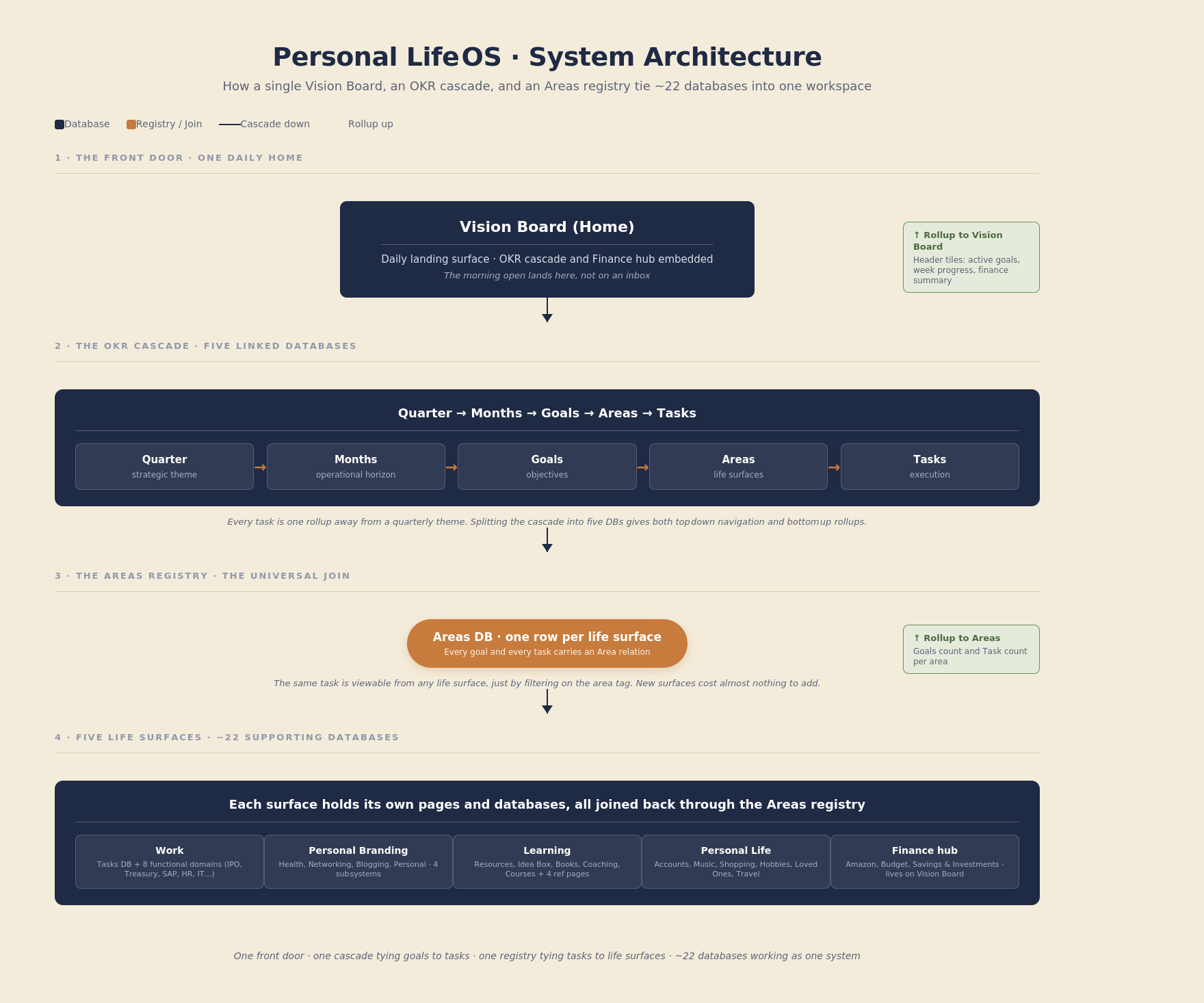
A single Notion workspace built directly from a hand drawn mindmap the client sent at the start of the project. Her own clusters and arrows became the architecture: a central Vision Board as the home screen, an OKR cascade tying every task back to a quarterly theme, and five life areas (Work, Learning, Personal Life, Personal Branding, plus a Finance hub on the home page) covering everything she wanted to track.
What I Built
Core Databases
A five database OKR cascade: Quarter, Months, Goals, Areas, Tasks. Each level relates to the next, so tasks roll up to a quarter’s theme and goals fan down to the tasks that serve them. An Areas registry sits at the center. Every goal and task is tagged to a life area, which makes the same record viewable from any surface in the workspace.
Around 22 supporting databases across the life areas: blog pipeline, events tracker, sleep and habit tracker, tennis log, cardio workouts, hobbies, loved ones, books, coaching, courses, resources, and more.
Pages and Views
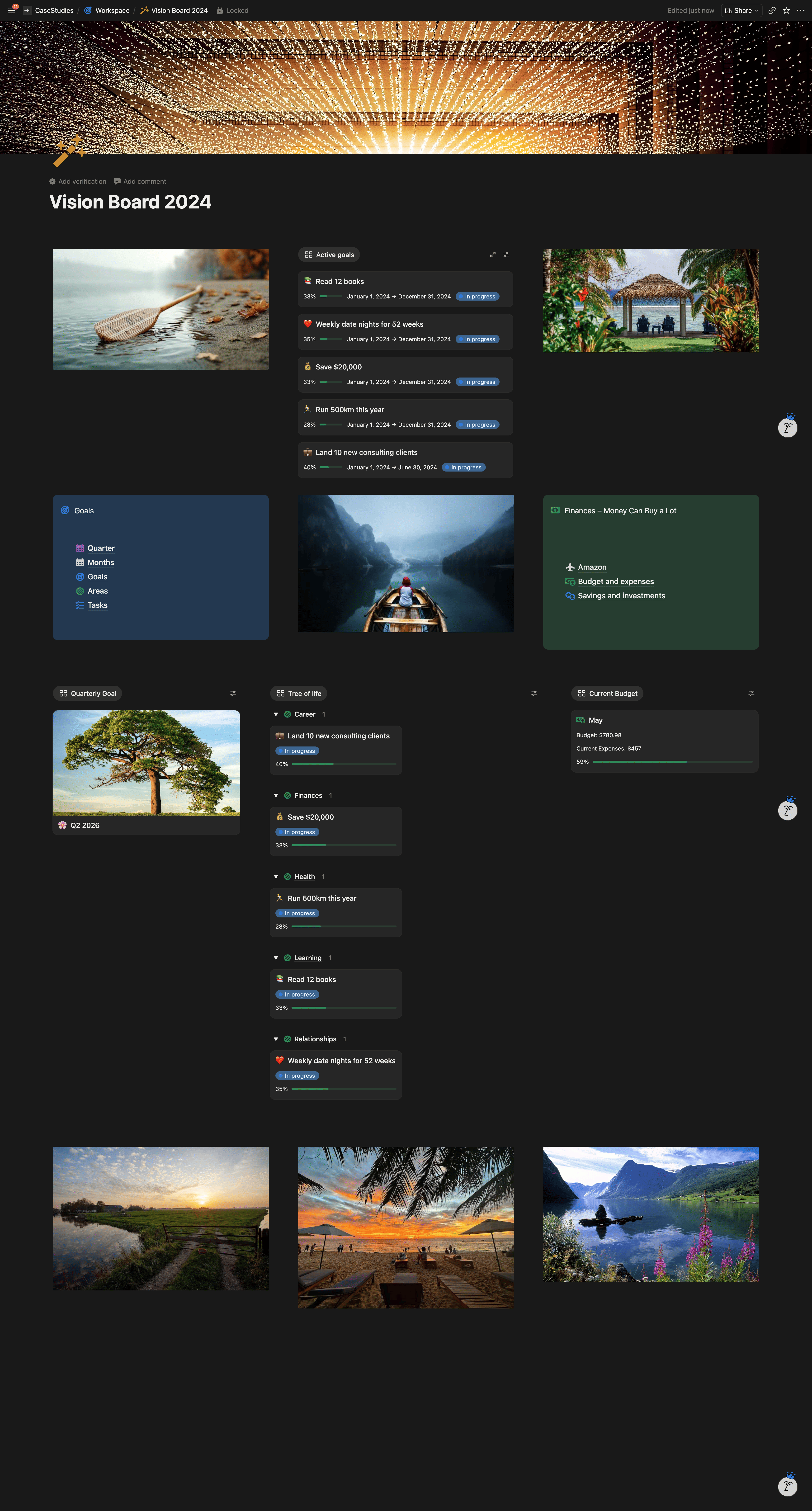
A Vision Board home page built from colored callouts: a Goals callout holding the OKR cascade, a Finance callout with Amazon, Budget, and Savings and Investments sub pages, and three more inline databases plus an embed band.
Five top level life areas:
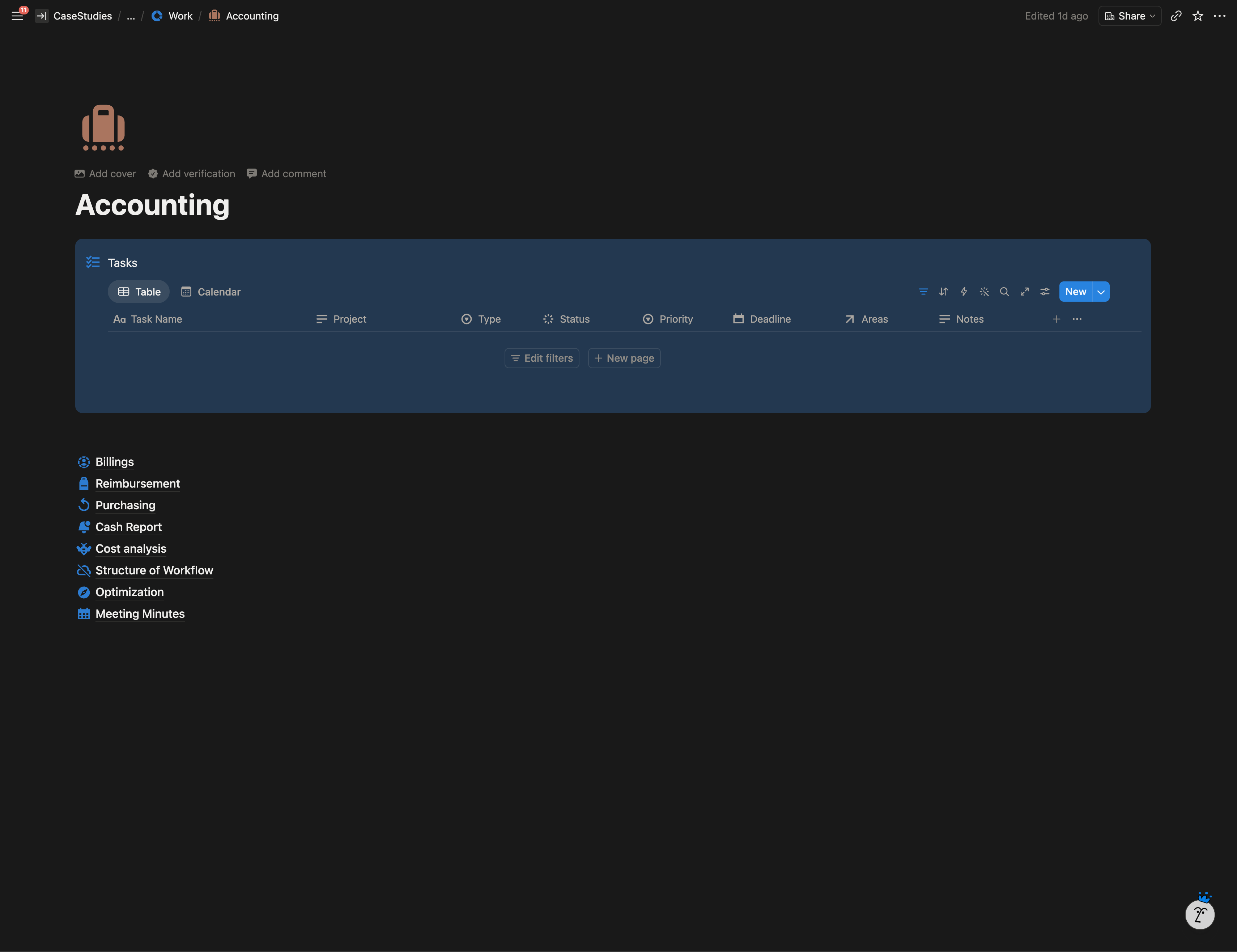
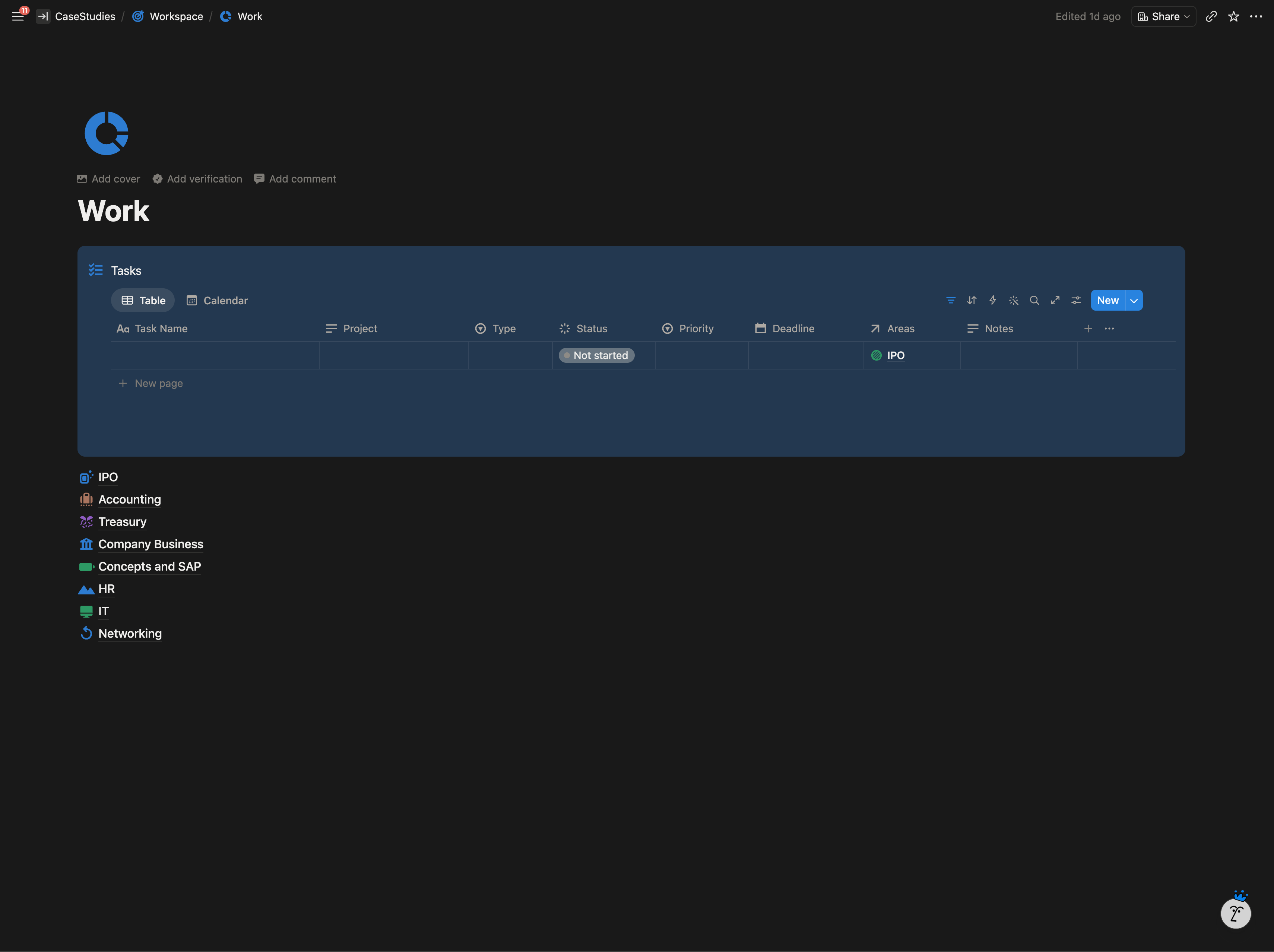
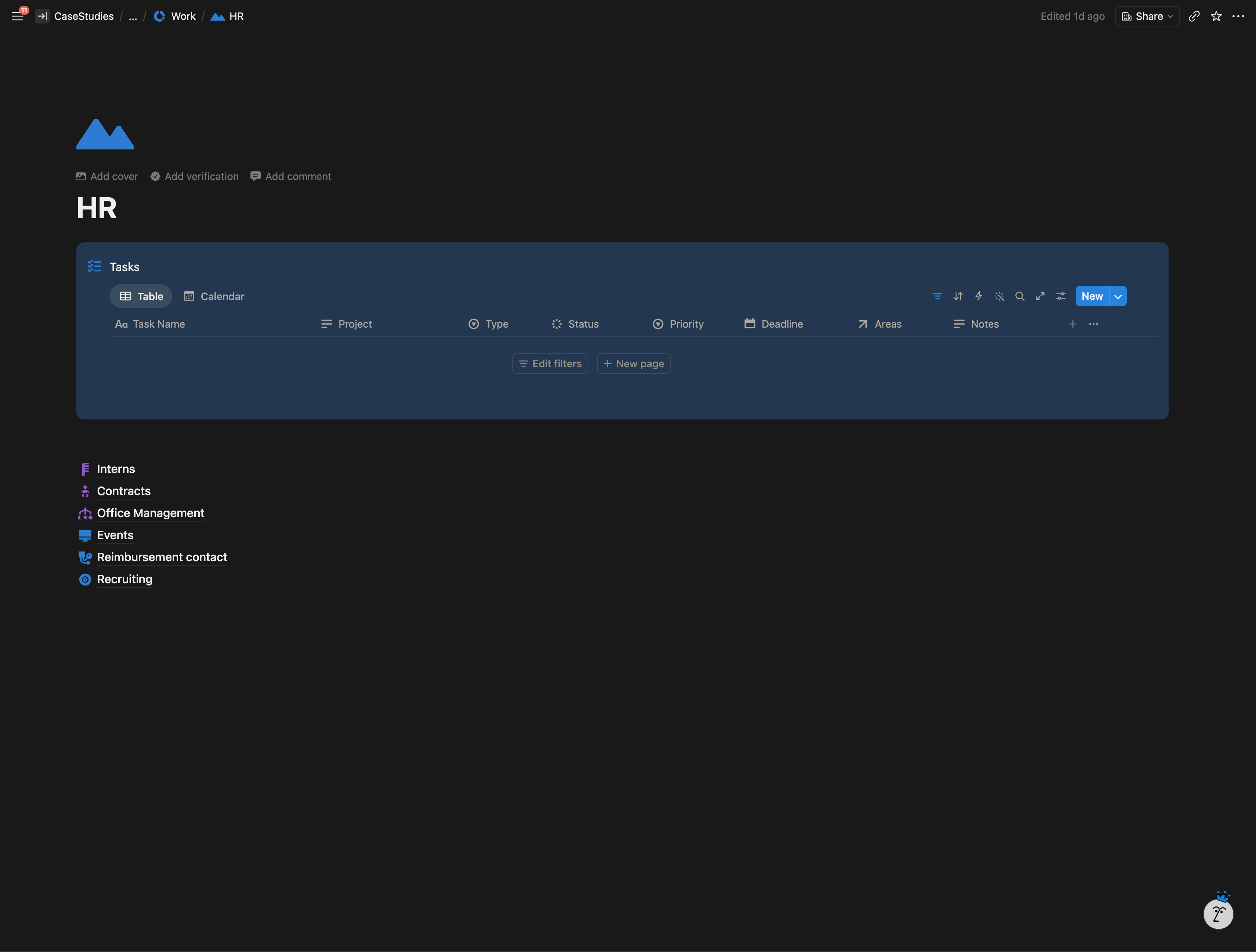
- Work. Inline Tasks database at the top, then sub pages for each functional domain (IPO, Accounting, Treasury, Company Business, SAP, HR, IT, Networking).
- Personal Branding. Four sub systems: Health, Networking, Blogging, Personal.
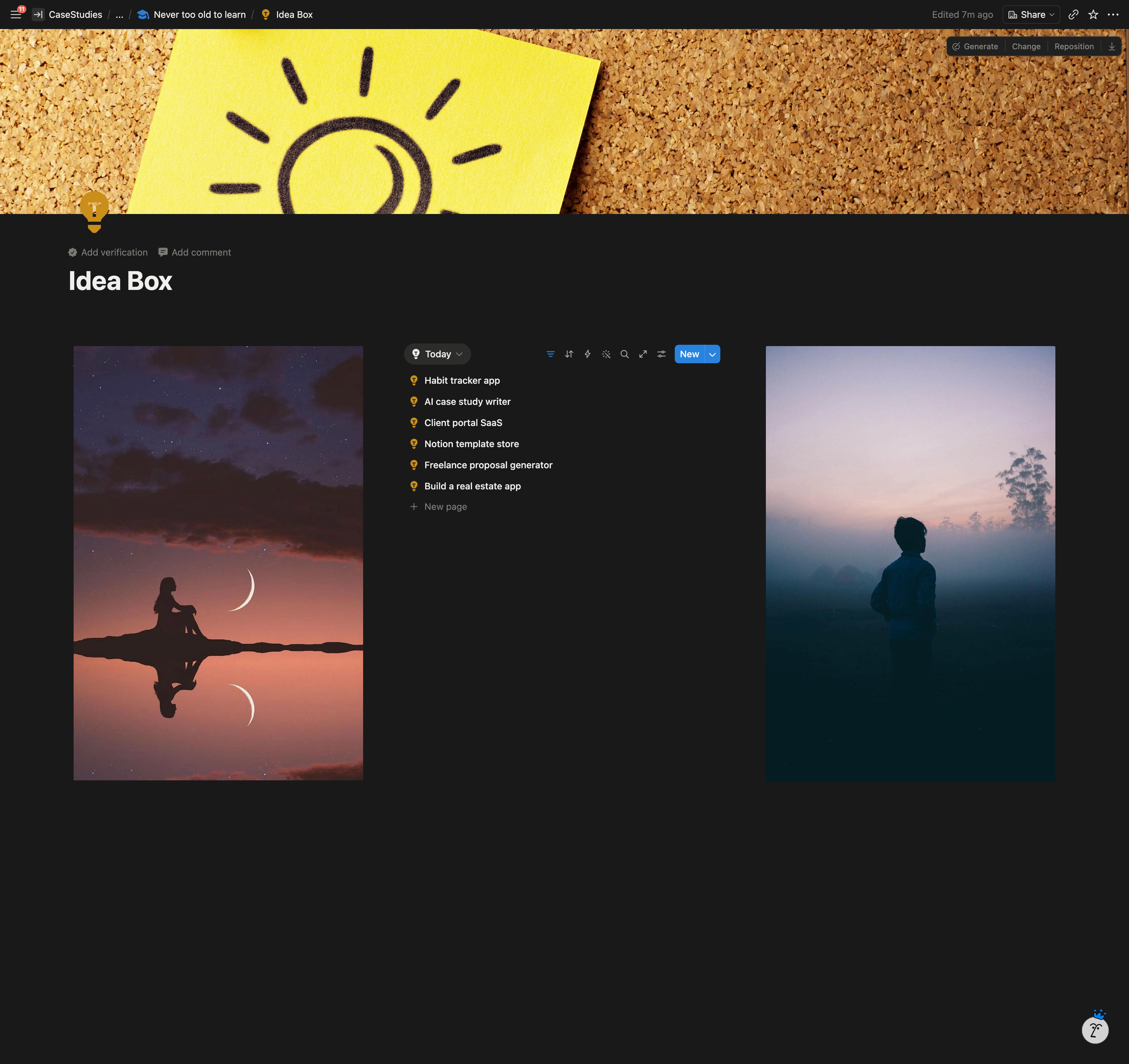
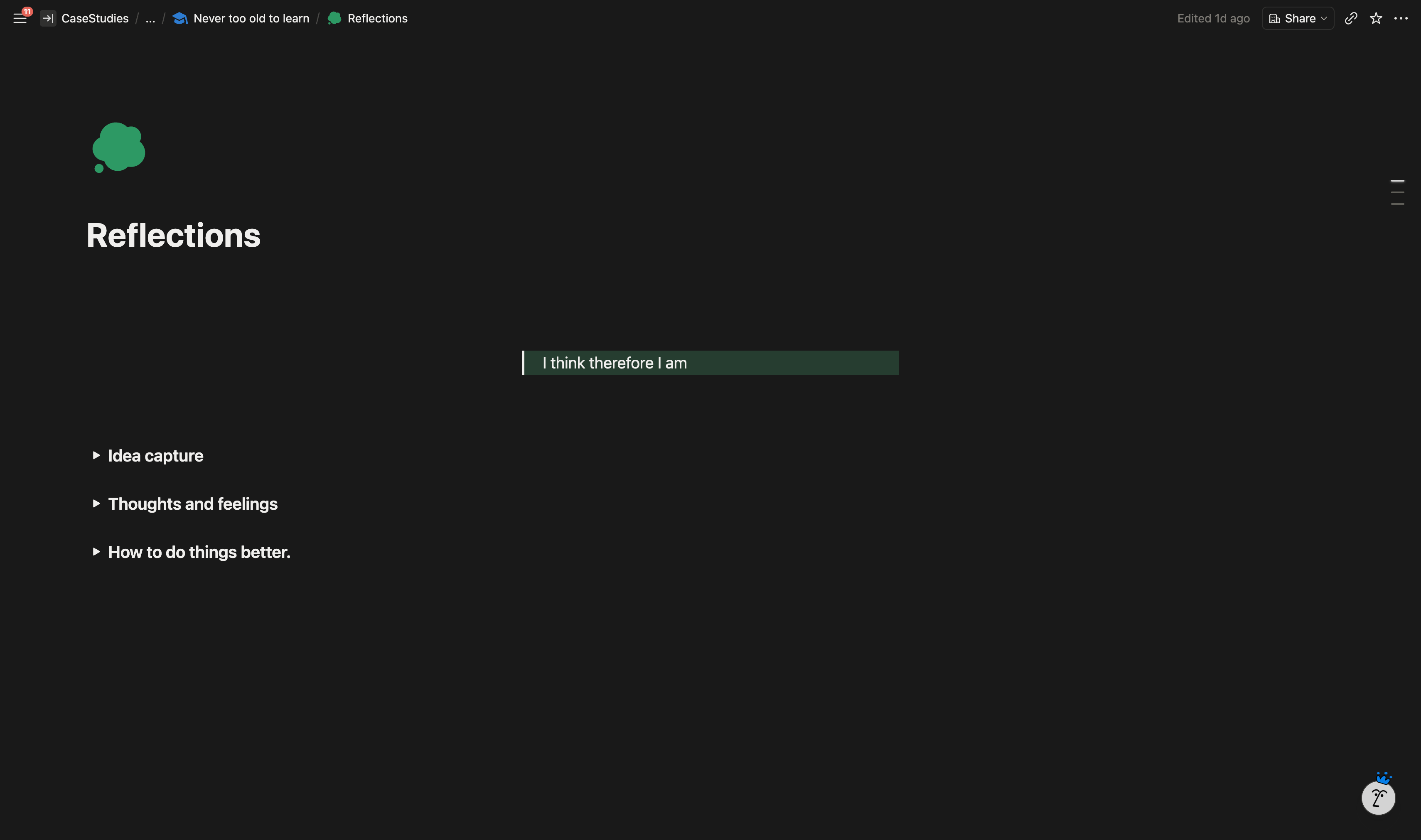
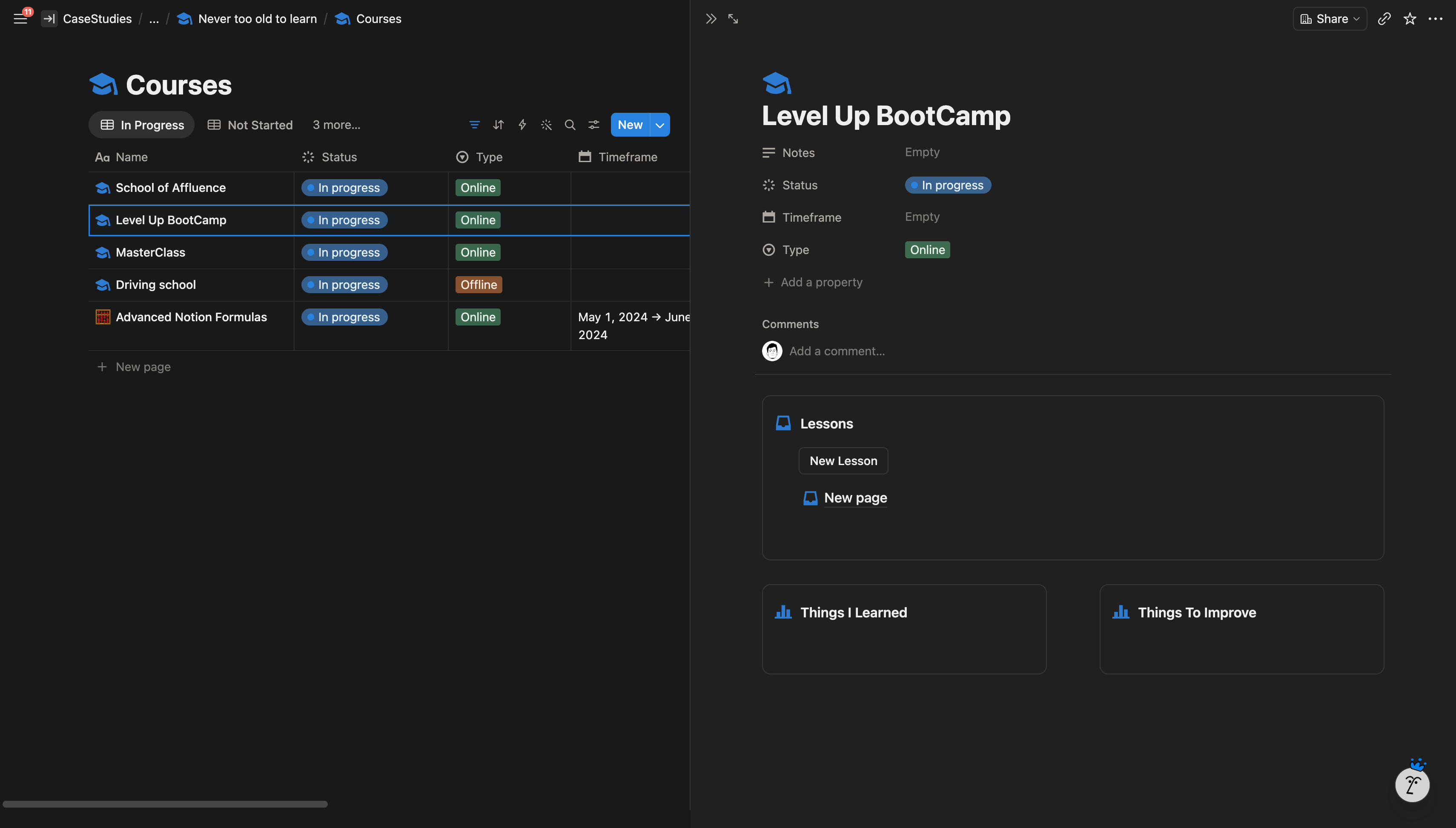
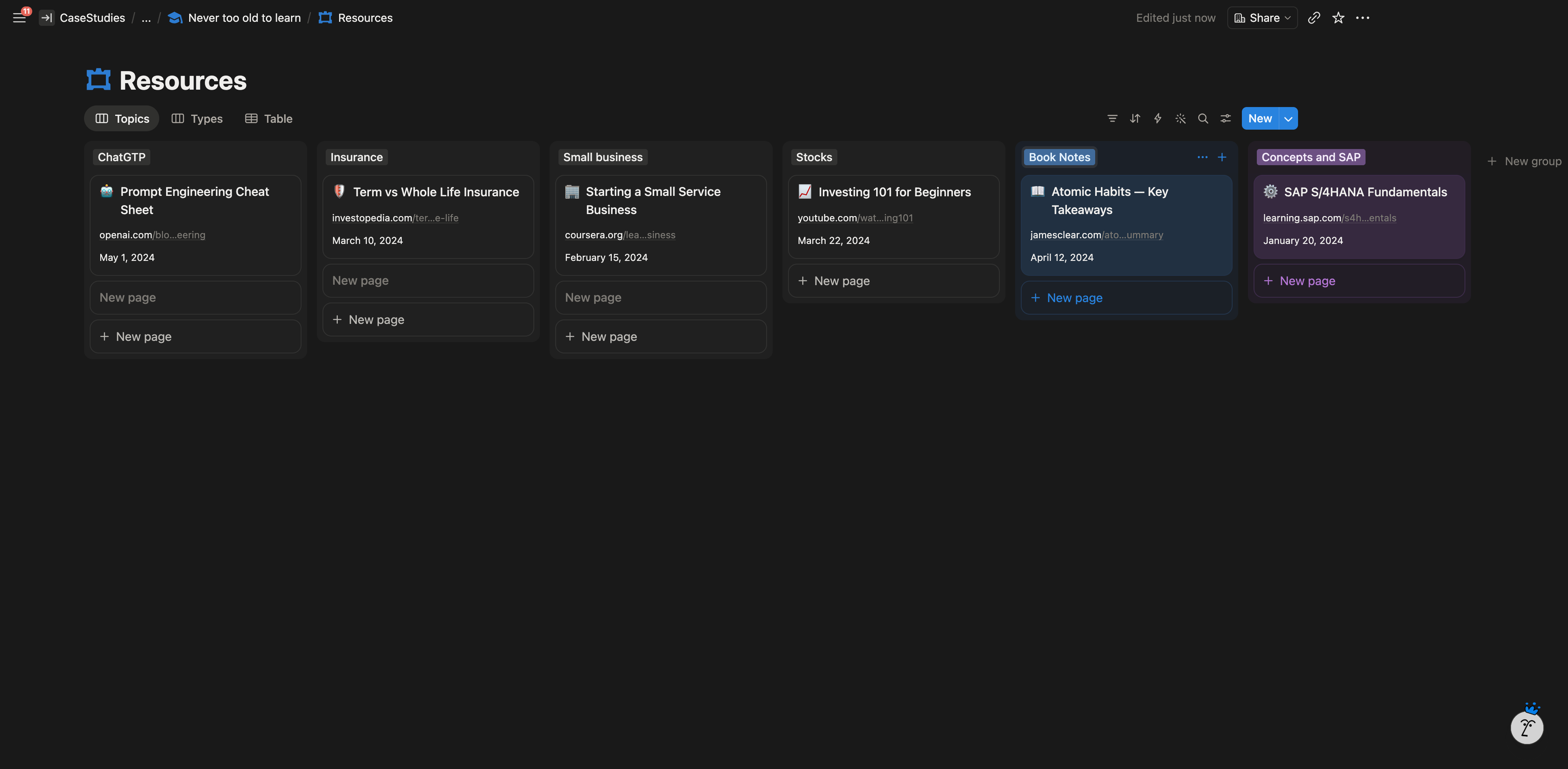
- Learning. Stocks, Small Business, ChatGPT, Resources, Idea Box, Books, Reflections, Coaching, Courses.
- Personal Life. Online Accounts, Movies and TV, Music, Shopping, Travel, Hobbies, Loved Ones.
- Finance hub. Lives on the Vision Board, not as a separate area.
Highlighted Features
- OKR cascade as five linked databases. Top down navigation and bottom up rollups both work. One mega database can’t do both.
- Areas database as the universal join. Every goal and task carries an Area relation, so the same record shows up wherever it’s relevant. Adding new life surfaces later costs almost nothing.
- Vision Board as the front door. The OKR cascade and Finance hub live on the home page, so the morning open lands on strategic surfaces rather than an inbox.
- Personal Branding as a system. Four sub clusters (Health, Networking, Blogging, Personal) with real databases behind each, instead of a single mood board page.
System Architecture
The Result
The client now runs her work and personal life from a single Notion workspace. The Work surface, which is the densest part of the build, was in active use the day after delivery. Two weeks later she came back to extend the system with another sub page, which meant the structure was being built on rather than replaced.
Client Feedback
“Isuru is detail-oriented and delivered the workspace as communicated in the beginning. I drew him mindmaps how I wanted my notion to look like. As I started using once delivered, it’s like walking in your own mind space. Still exploring how to implement the details in practical sense but def would recommend Isuru.”