 Isuru
Isuru A residential solar installer came to me in late 2021 with a Notion workspace that was half-built. They had the right idea, but the execution was coming apart under real work. Client calendars weren’t syncing, emails were scattered across Outlook, and nobody was quite sure who needed to know when a job moved to the next stage.
They weren’t after a pretty template. They were running real installs with technicians, electricians, project managers, and a salesperson, and they needed something that actually held the operation together.
The Challenge
Three things were breaking day to day.
The first was scheduling. Every client had their own calendar, and there was a separate master calendar for all installs and visits. The two never talked. A project manager would add a site visit to a client’s page, the master calendar wouldn’t know about it, and the office would book an install on a day an electrician was already out on another job.
The second was email. Everything went through Outlook, and none of it tied back to the client’s file. If a customer asked what was sent last month, someone had to dig through an inbox. The “templates” lived in people’s heads, so a new hire had nothing to learn from.
The third was the install itself. A solar job runs through a lot of stages, from walk-through and measurement to drawings, permitting, install, inspection, and interconnect. Each one was tracked informally, checklists were copy-pasted from job to job, and things slipped between handoffs.
What I Built
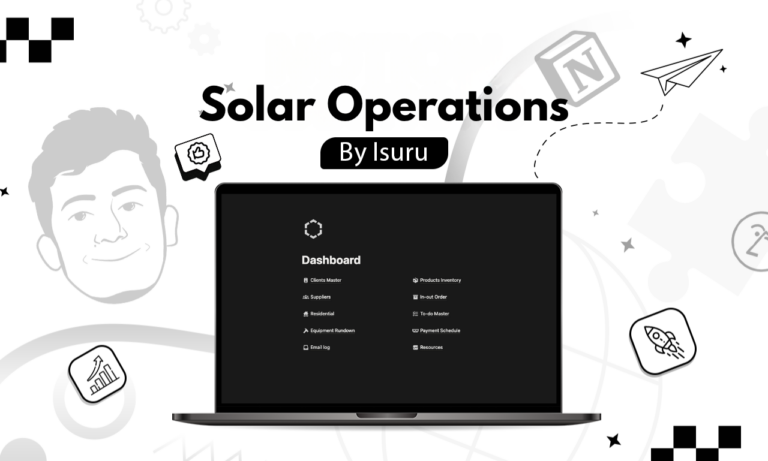
The foundation was one dashboard where every part of the operation connected back to the client’s job file. Open a single job and you could see everything attached to it, instead of hunting across tools.
I rebuilt the client page around how a solar install actually moves: Signed, Walk-through, Measure, Drawing, Permitting, Install, Interconnect, and Customer Care. Each stage is a checkpoint with room for notes, and the job’s status feeds straight into the master calendar. The project manager, electrician, and salesperson are linked to each job too, so you can open any person and see every job they’re on.
For the calendar, individual client schedules and the company master calendar now read from the same place. Adding a visit on a client’s file instantly updates the company-wide view, and the double-booking stopped.
Email was the trickiest piece, because Notion doesn’t send email on its own. So I built a hybrid: an email log on each client where the team writes or picks a pre-written template, and a Gmail connection that actually sends it. Every message is saved under the right client with its date, subject, and body, giving the team a searchable history without leaving the workspace.
Equipment got its own place, tied to each job, capturing the manufacturer, model, serial number, supplier, and order and delivery dates. By the time an install is finished, the serial numbers are already there for warranty registration, so nobody is digging through paperwork later.
The Result
The workspace replaced three separate tools: spreadsheets, Outlook, and a set of disconnected calendars. The office stopped switching between them to answer a simple question, and a new hire could follow a job from signed contract to final inspection inside one page.
What Made It Work
This wasn’t about any one clever feature. A small operations team mostly needs one place where the job lives. The moment checking a client’s progress means opening three tools, people drift back to spreadsheets and group chats. Matching the workspace to the stages the team already used in their heads is what got them to adopt it, and to keep building on it.