Client
A small solar installation company handling residential installs end to end, from initial site walk-through through permitting, install, interconnect, and customer handover. Team of field technicians, project managers, electricians, and a sales person.
The problem
The team had a partially built Notion workspace that wasn’t holding up under real operational load. Three main breakdowns:
Client calendars weren’t syncing with the company master calendar, leading to scheduling conflicts and double-booked technicians.
Email communication lived entirely in Outlook, disconnected from client files. There was no history of what was sent to whom, no reusable template system, and no way to track correspondence per job.
The install process has many phases (walk-through, measure, drawing, permitting, install, inspection, interconnect, equipment registration), and each one was being tracked informally. Things were getting missed between handoffs.
What I built
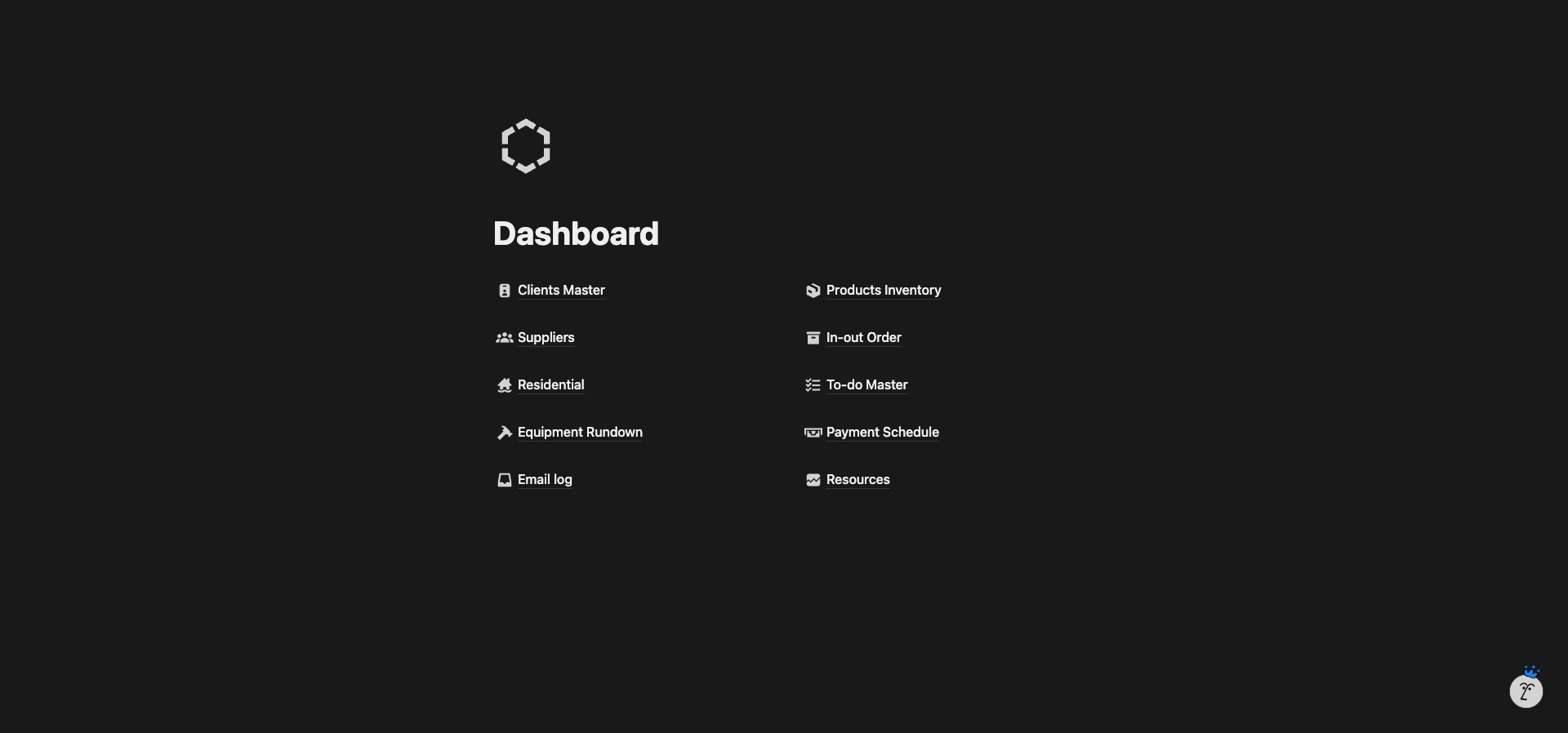
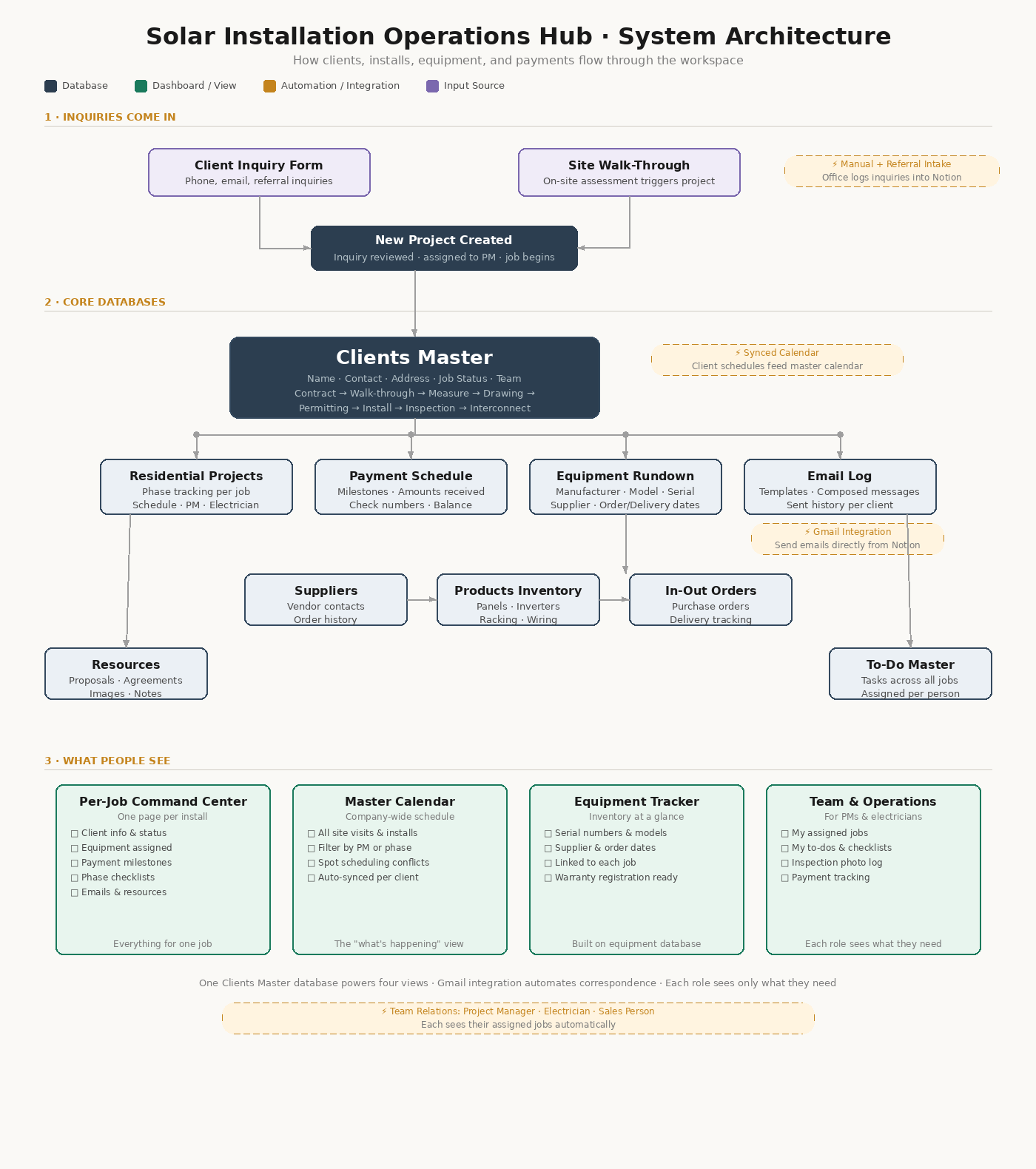
A single connected workspace with ten linked databases, all routing back to the client file. The dashboard gave the team one entry point for every part of the operation.
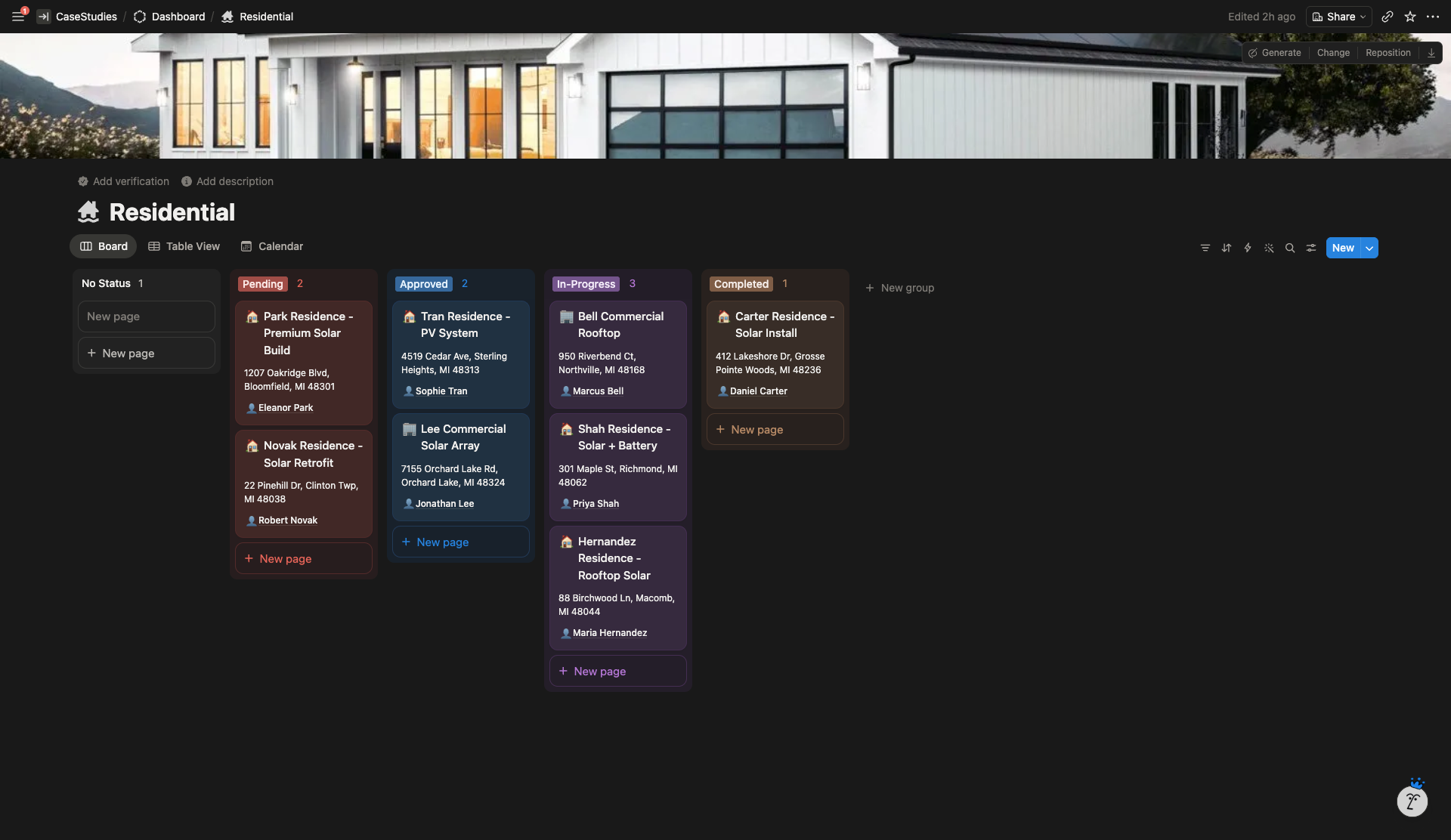
The client page was restructured around the actual phases of a solar install, with checklists, notes sections, and rollups for equipment, payments, emails, and resources tied to that specific job. Project managers, electricians, and sales staff became relation fields, making it possible to view every job a team member was assigned to.
The calendar was unified. Individual client schedules feed into the master calendar automatically, so adding a site visit updates the company-wide view in real time.
The email system combined a Notion-based log (templates, composed messages, sent history) with a Gmail integration for actual delivery. Every sent email is logged under the correct client with date, subject, and body stored for future reference.
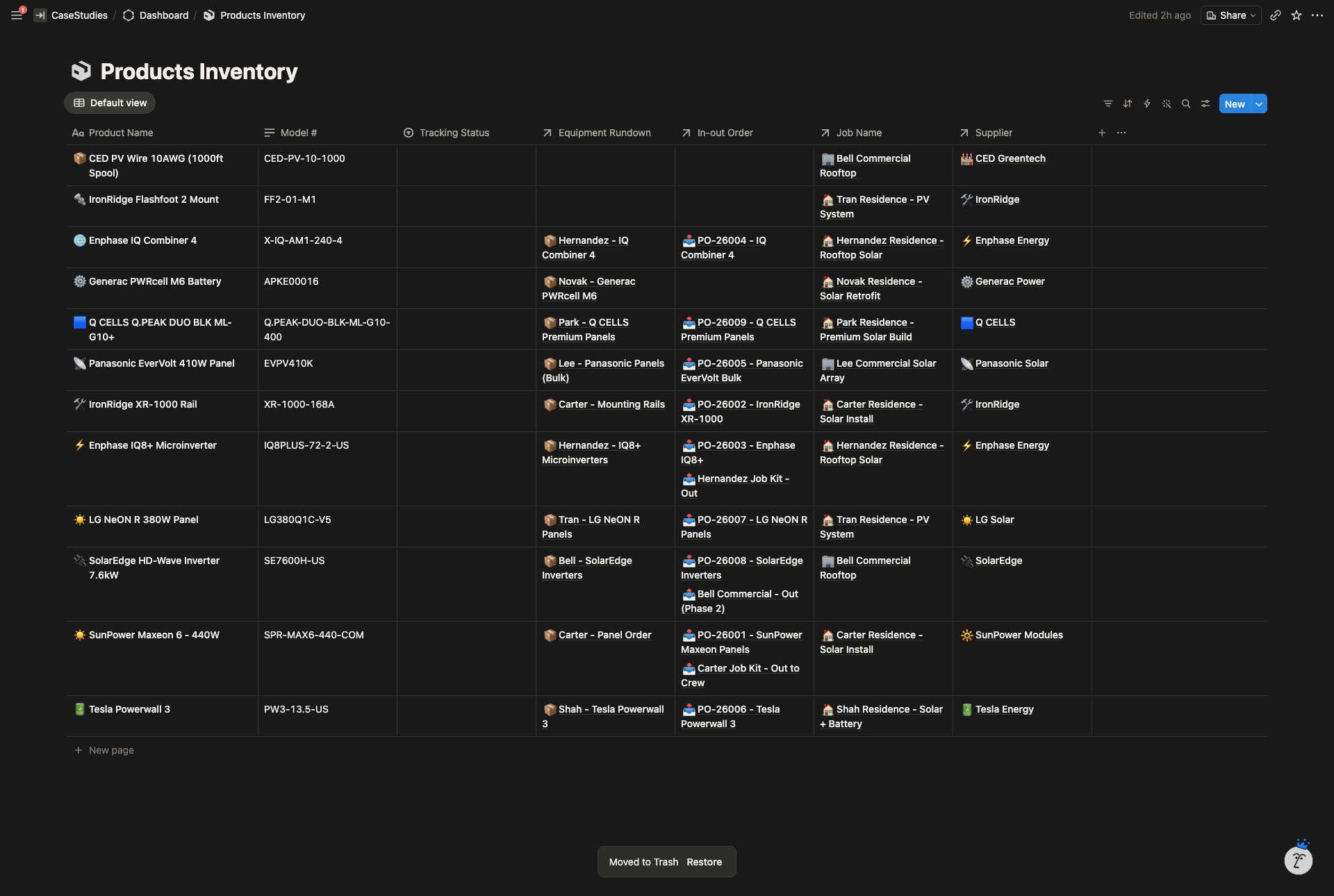
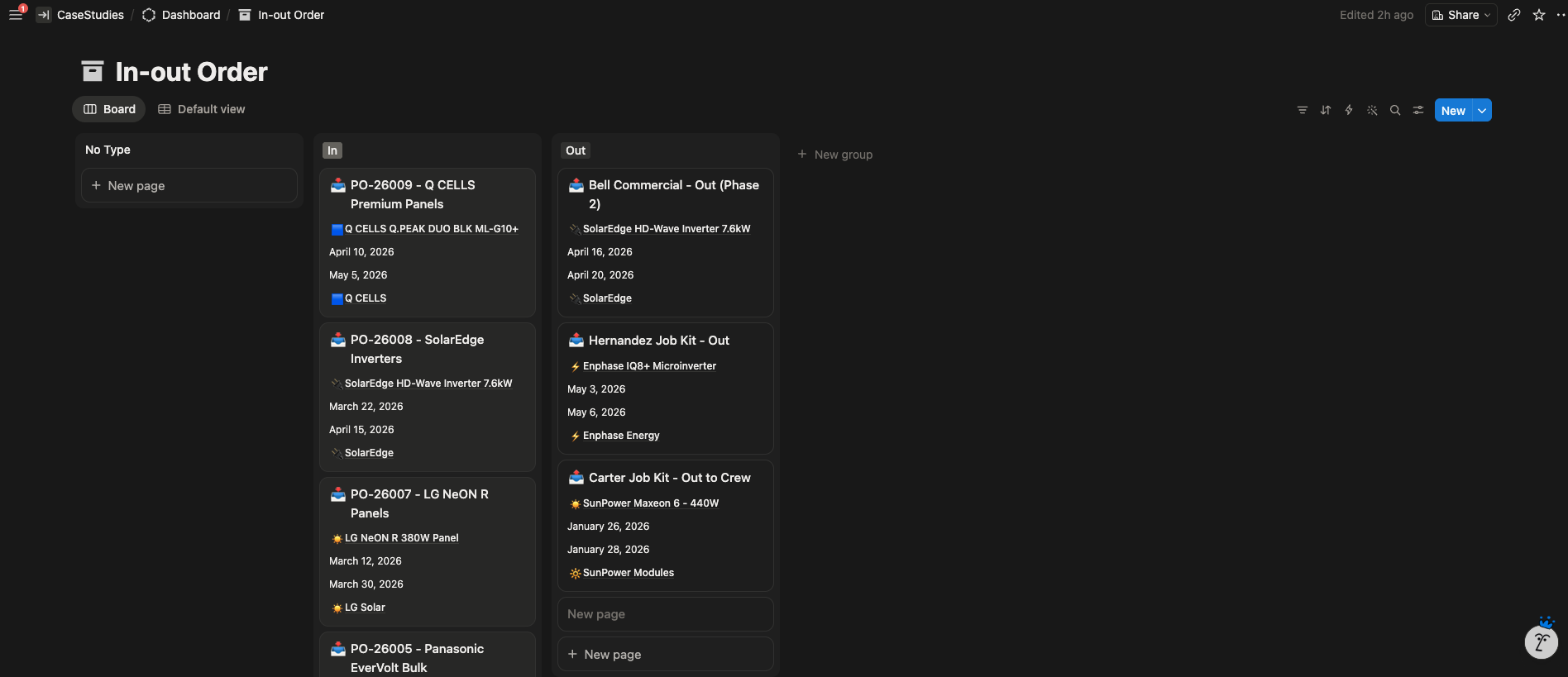
Equipment tracking was tied to each job at the line-item level, capturing manufacturer, model, serial number, supplier, and order/delivery dates, ready for warranty registration and inspection paperwork without searching.
Highlighted features
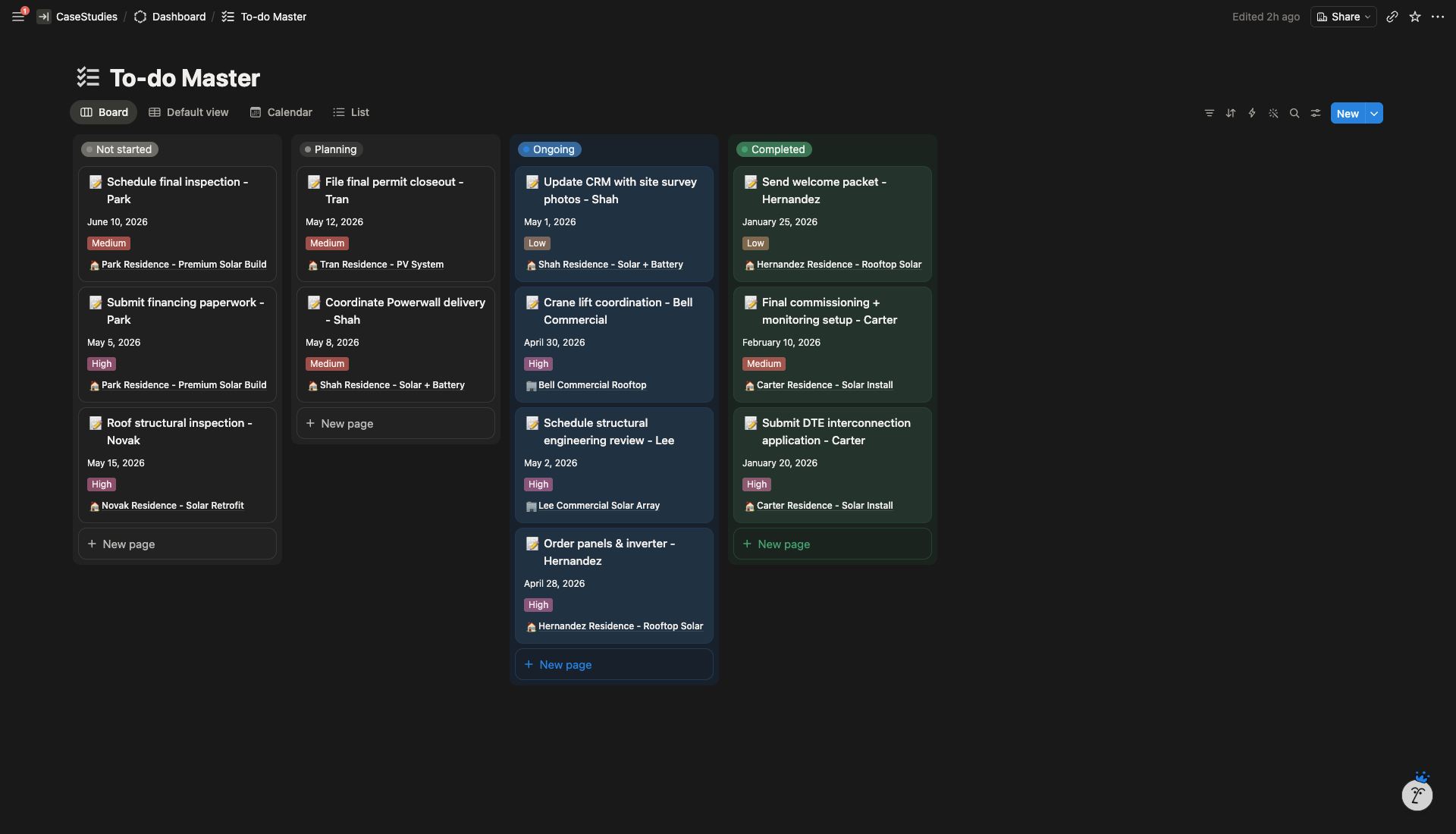
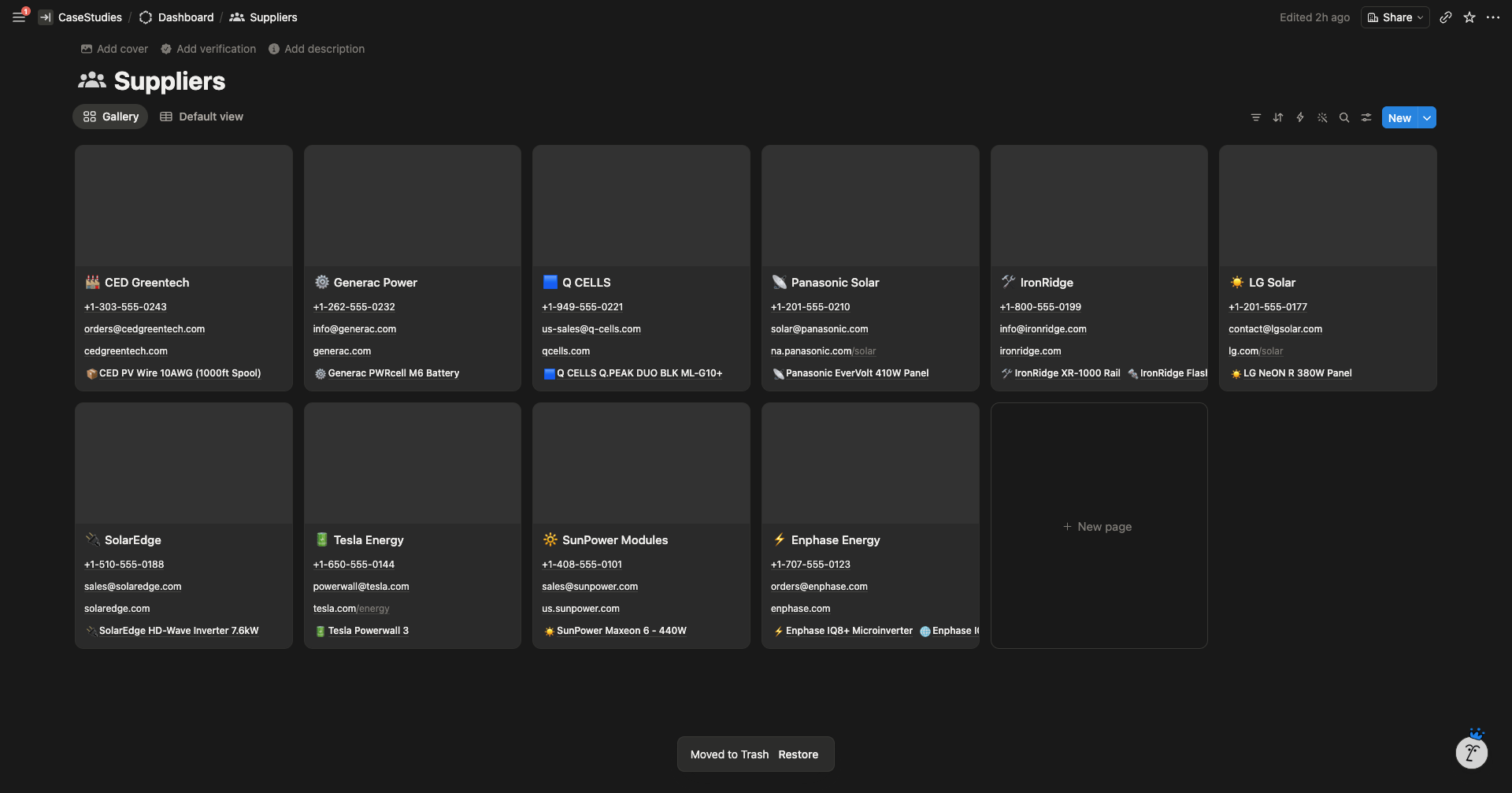
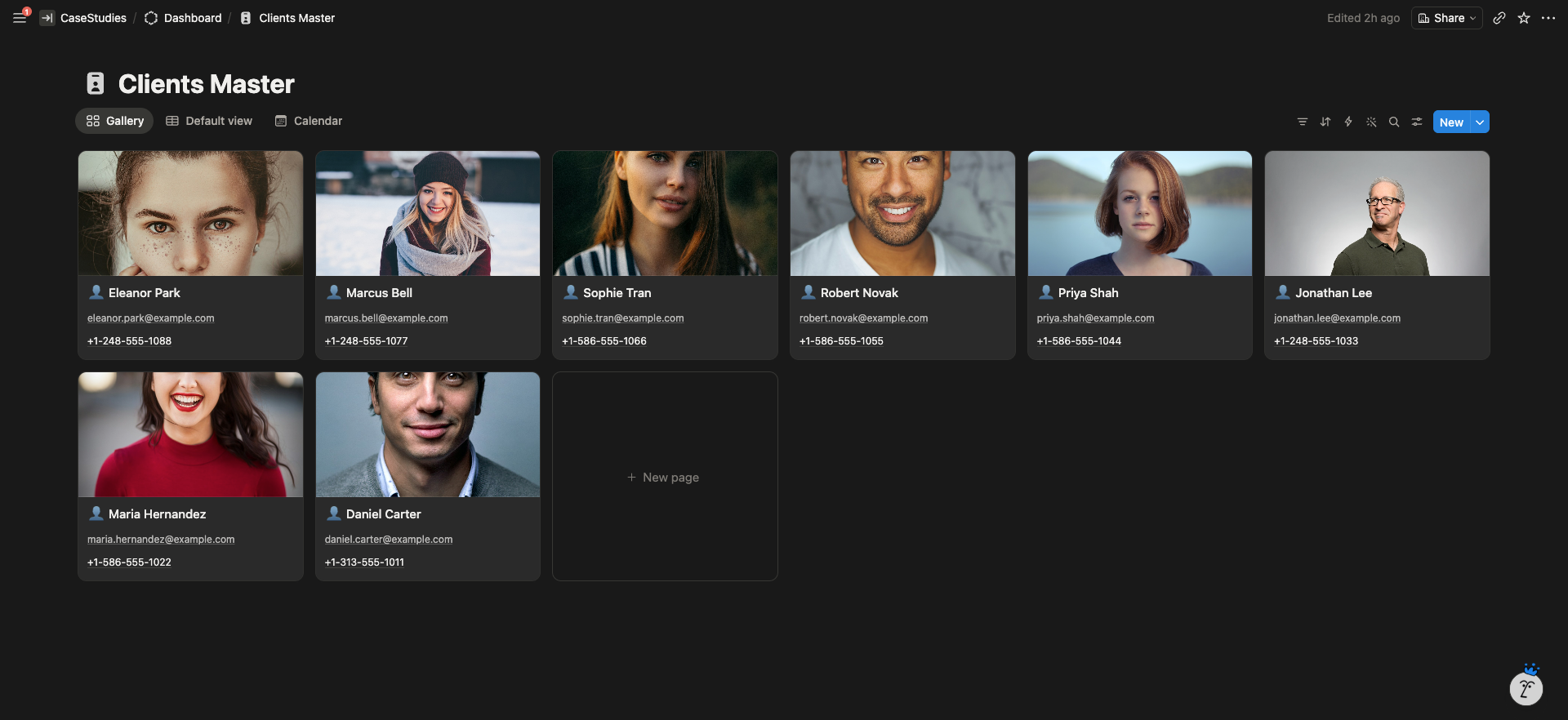
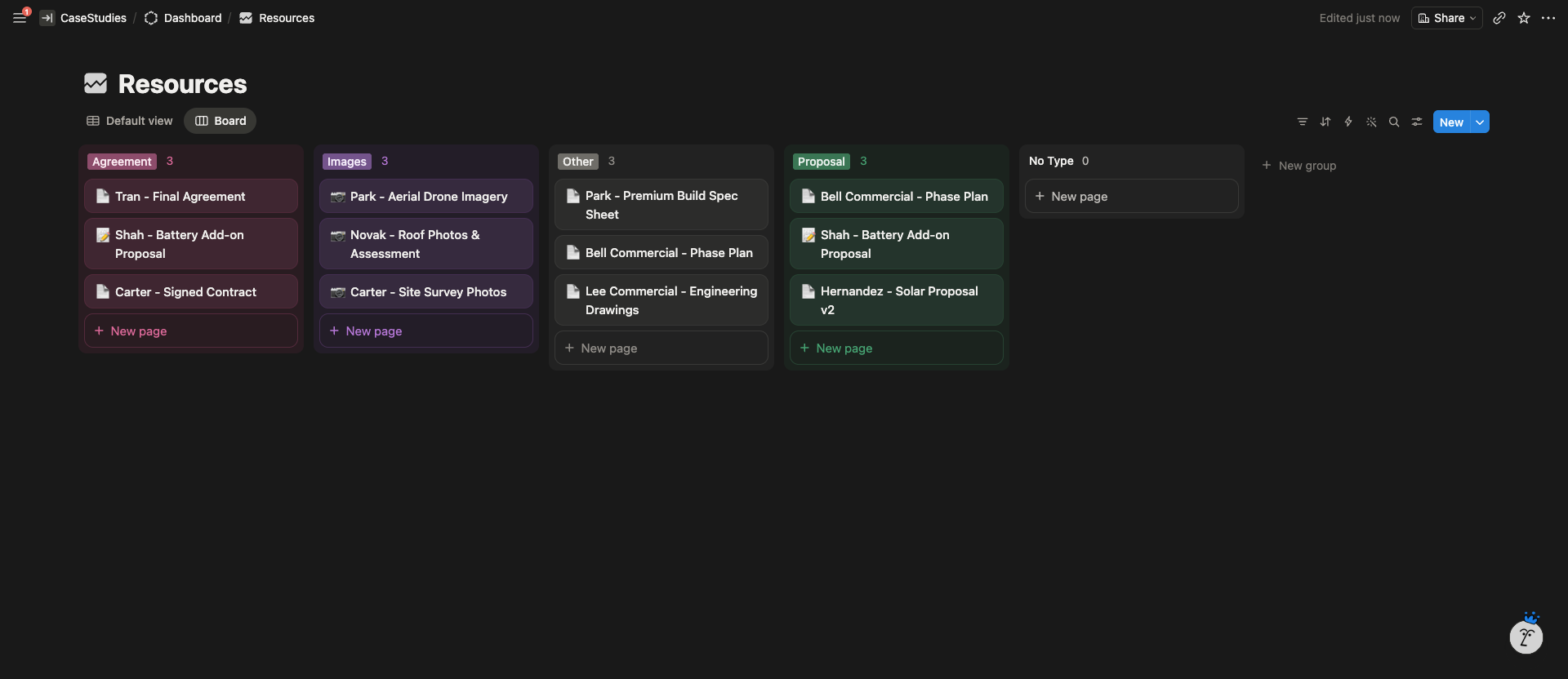
- Unified dashboard with ten connected modules: Clients Master, Residential Projects, Suppliers, Products Inventory, In-out Orders, Equipment Rundown, Payment Schedule, Email Log, Resources, and To-do Master
- Phase-based client page covering every stage of a solar install from signed contract to customer care
- Synced calendar system where individual client calendars automatically feed the company master schedule
- Email Log database with pre-written template support, per-client history, and Gmail sending integration
- Equipment Rundown database tracking manufacturer, model, serial numbers, suppliers, and order/delivery dates, linked to the job
- Payment Schedule database tracking contract milestones, amounts received, and check numbers per client
- Resources database for storing proposals, agreements, images, and notes against each residential project
- Team relation fields for Project Manager, Electrician, and Sales Person, allowing per-person job views
- Job Status checklists covering Signed, Walk-through, Measure, Drawing, Permitting, Install, Interconnect, and Customer Care
- Inspection and interconnect photo tracking built directly into the client page
System Architecture
The result
The system replaced three separate tools (spreadsheets, Outlook, disconnected calendars) with one workspace. Office staff stopped context-switching to find information. New team members could follow a job from start to finish inside a single page.
The clearest signal of real-world adoption: the client returned twice over the following year.