The Client
A photobooth rental company operating across Germany. They rent multiple photobooth models to corporate clients, private customers, and event venues. Their team of 7 handles the full service: planning, graphic design, client coordination, venue logistics, staff scheduling, and vehicle dispatch.
The Problem
Everything ran on Excel. Separate sheets for bookings, vehicles, staff schedules, and client info. Event details were scattered across email threads and PDF forms. Venue information was rebuilt from scratch every time they returned to a location they’d worked before.
The bigger issue: nothing was connected. An event in one sheet had no link to its client, assigned photobooth, vehicle, or staff. Any change (date shift, staff swap, booth reassignment) had to be updated in 4 places manually. Double-bookings were a constant risk because photobooth availability lived in someone’s head, not a system.
What I Built
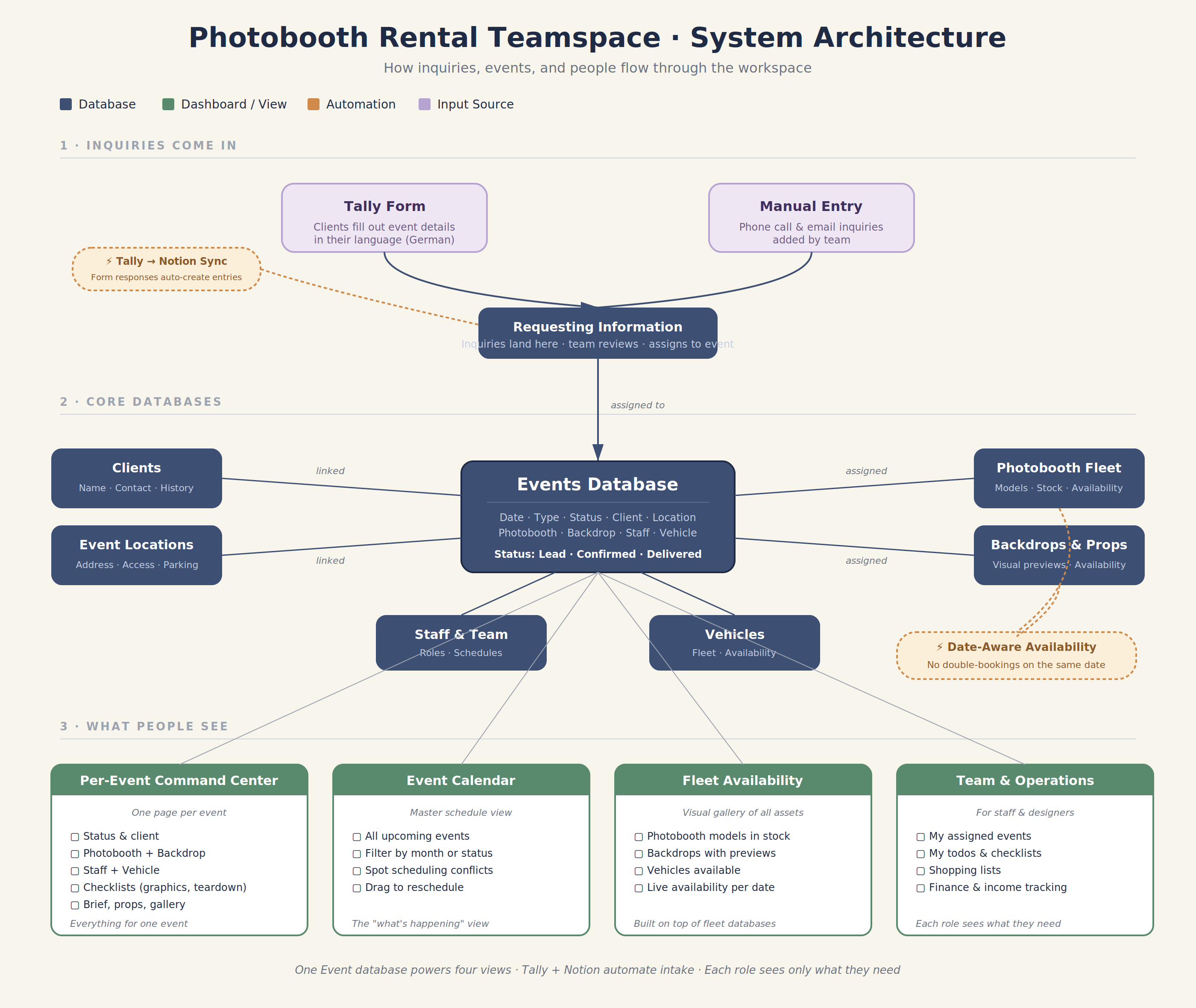
A full Notion teamspace for 7 employees, organized around one principle: the Event is the center of everything.
Architecture:
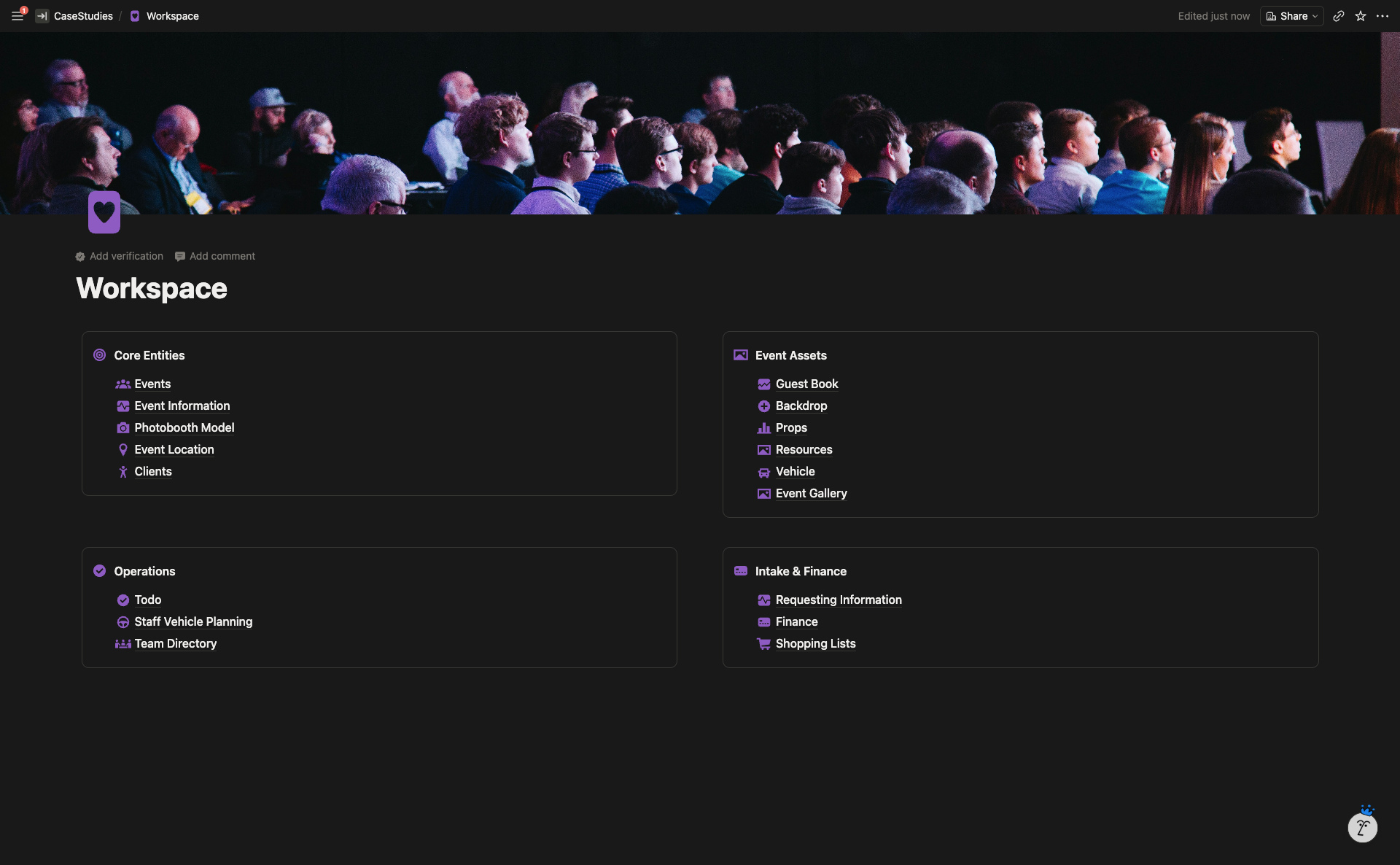
- 4-quadrant workspace homepage: Core Entities, Event Assets, Operations, Intake & Finance
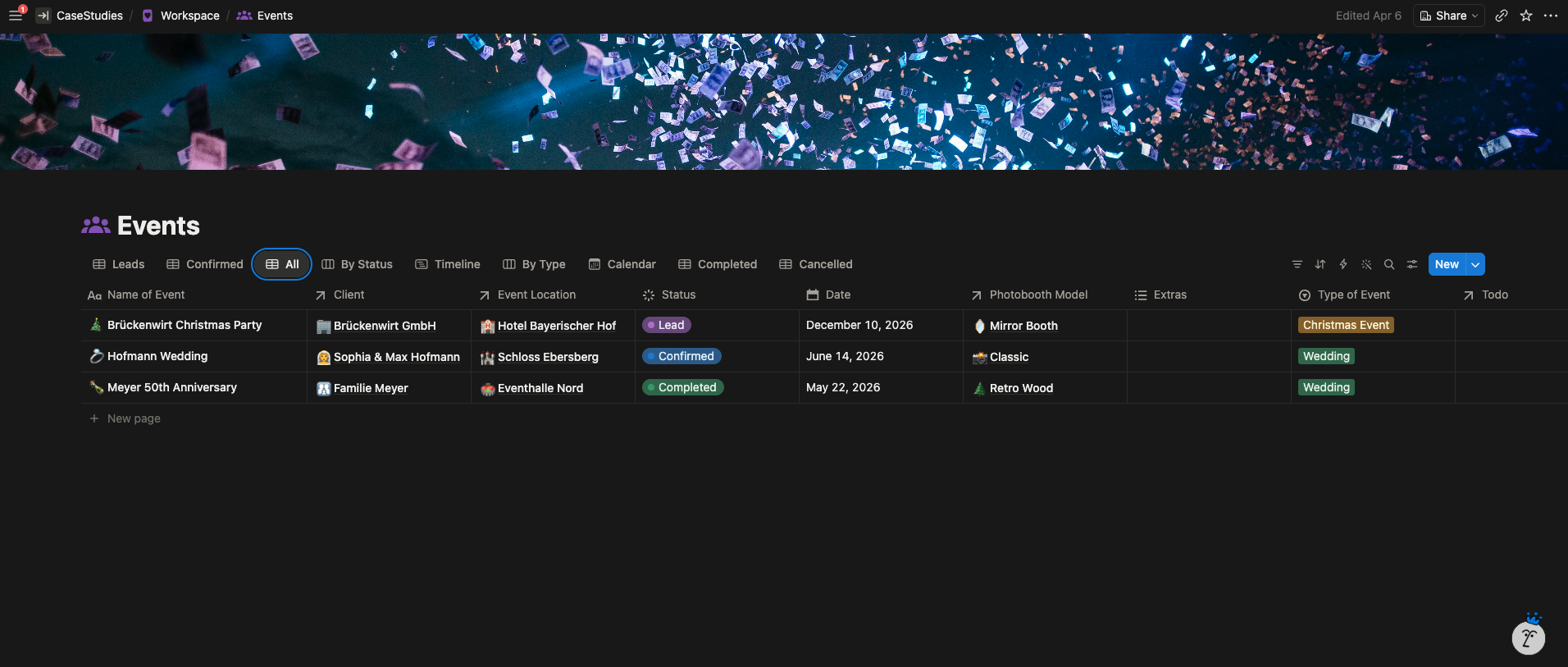
- 15+ interconnected databases with relations and rollups
- Every asset, person, client, and task relates back to a specific Event
Key features:
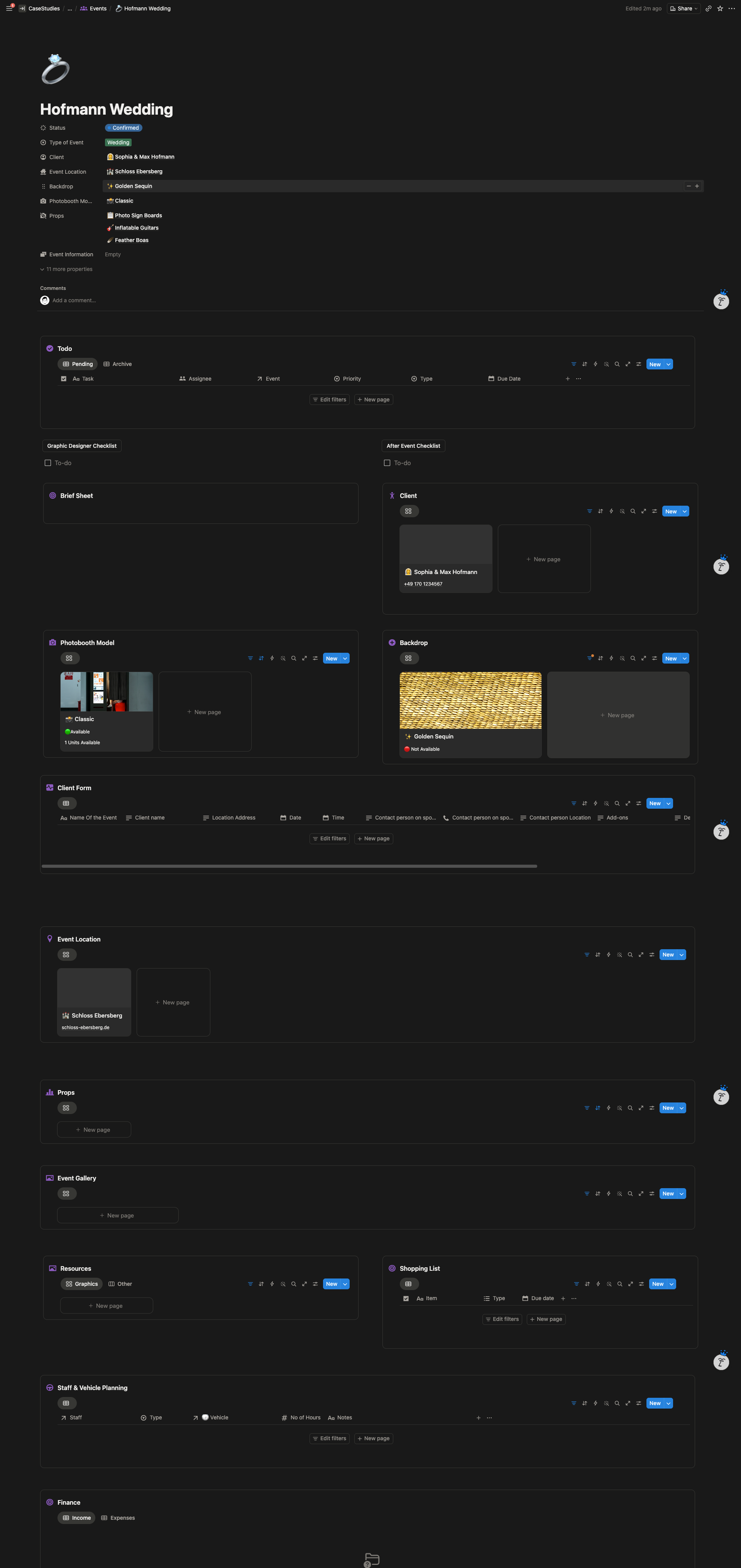
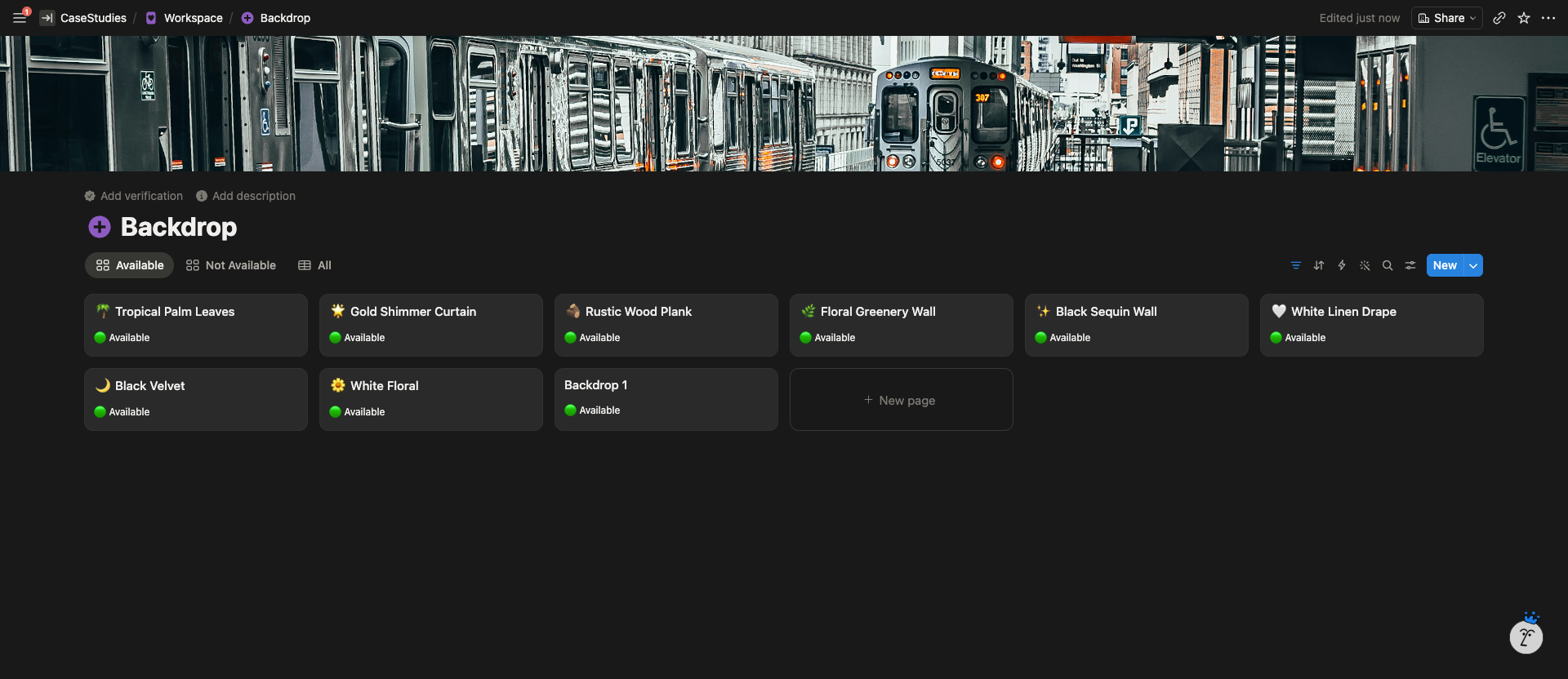
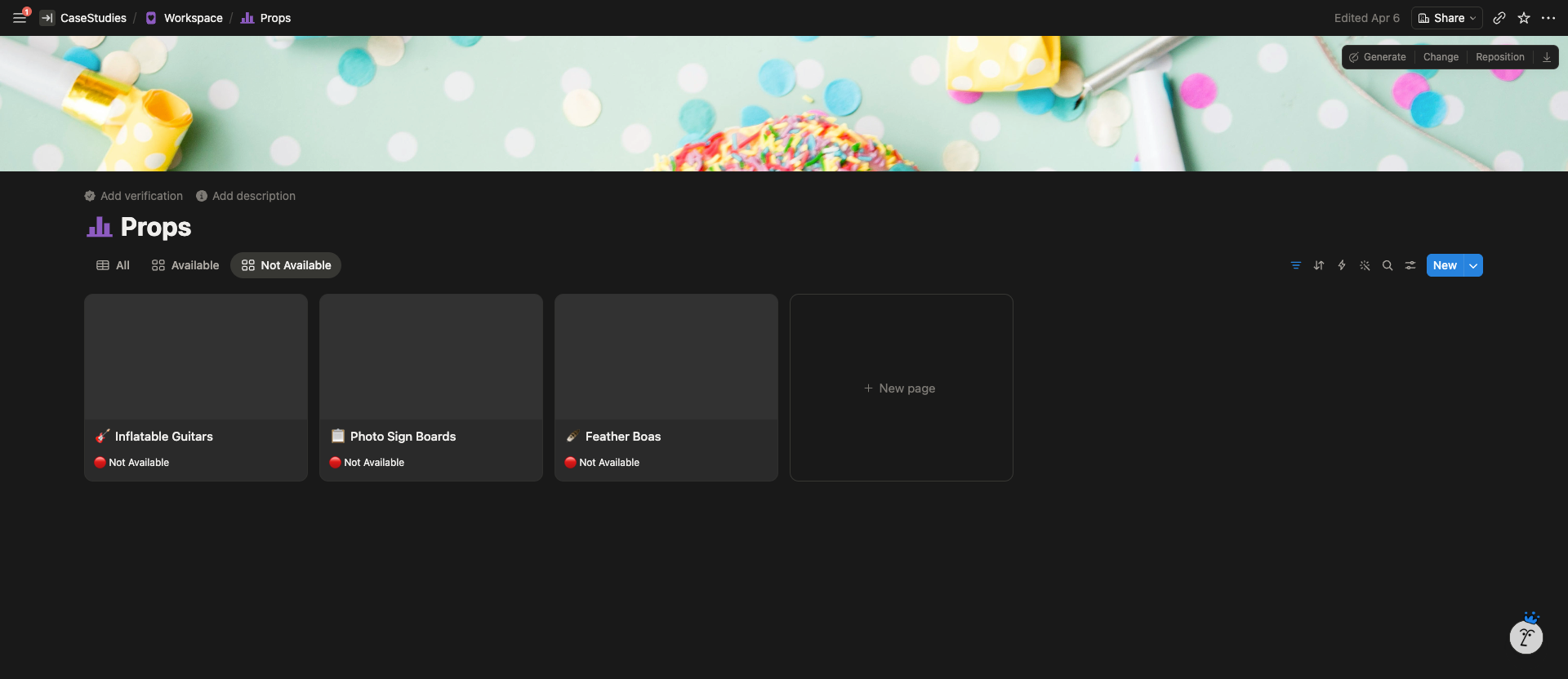
- Date-aware availability for photobooths, backdrops, and vehicles. Each asset shows its availability status for a specific event date, pulled live from other bookings. Double-bookings become visually impossible.
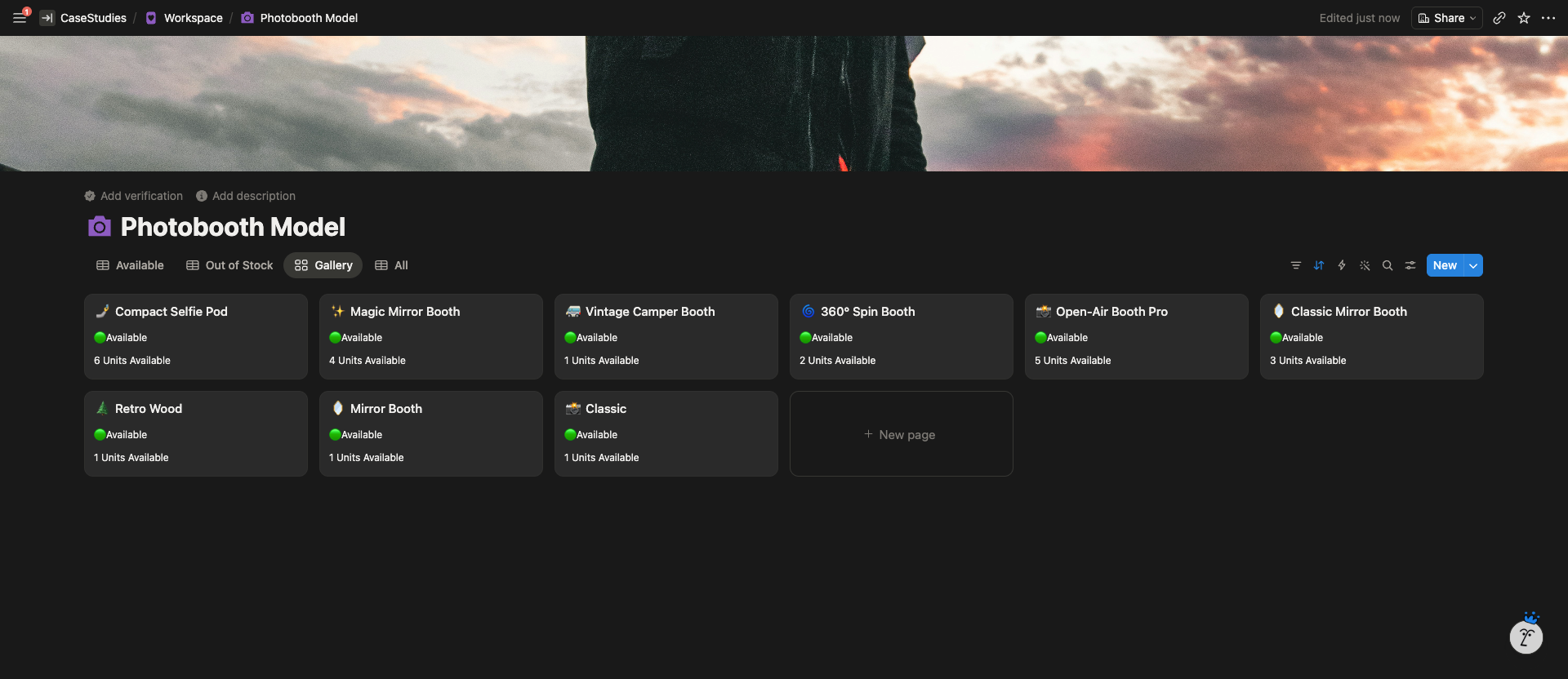
- Stock-level tracking for photobooth models where the company owns multiple units of the same type.
- Tally form integration for client intake. The German-language form sits in the workspace and auto-creates entries in the Requesting Information database on submission. No manual data entry.
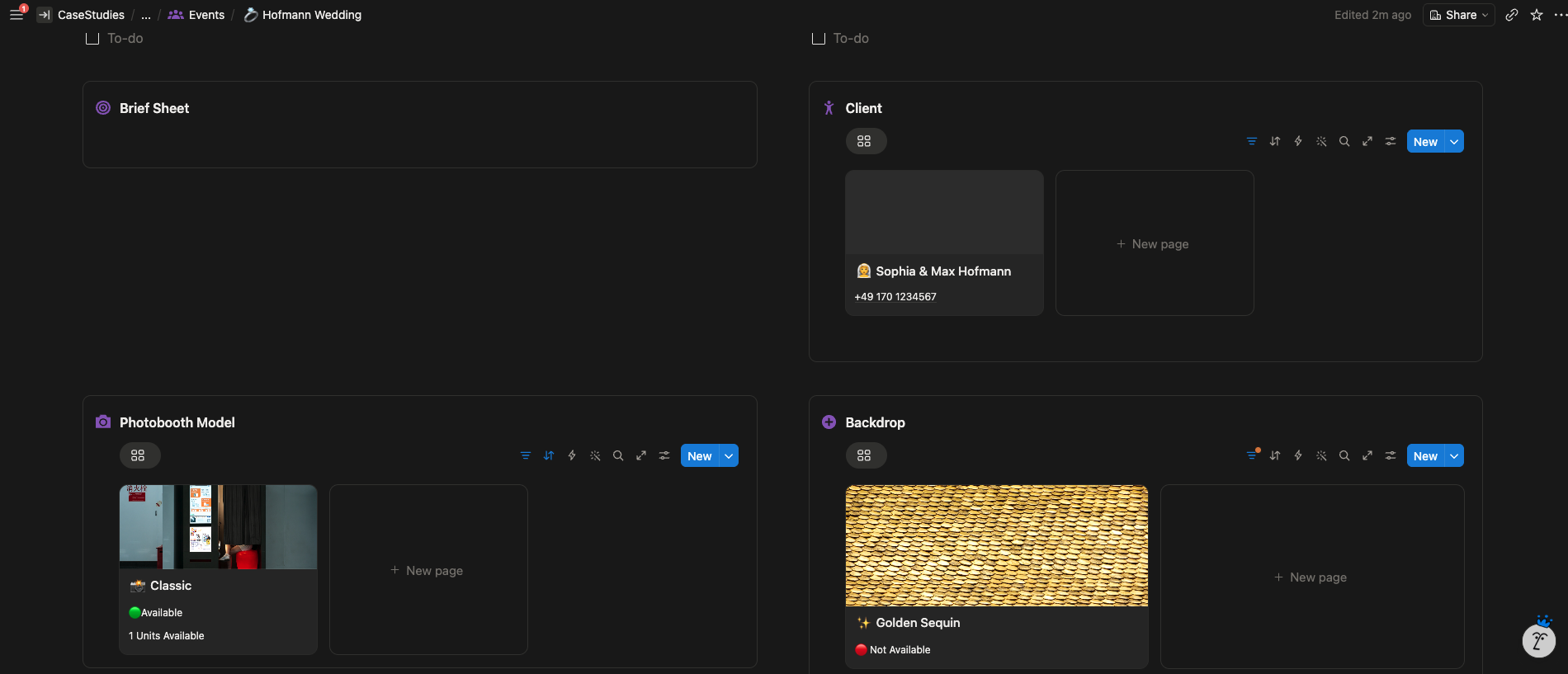
- Per-event command center. Each event page shows status, client, location, assigned booth and backdrop, todos, brief sheet, form responses, staff and vehicle assignments, shopping list, and finance, all filtered to that one event.
- Templated checklists. Graphic Designer Checklist and After Event Checklist load automatically on every new event page.
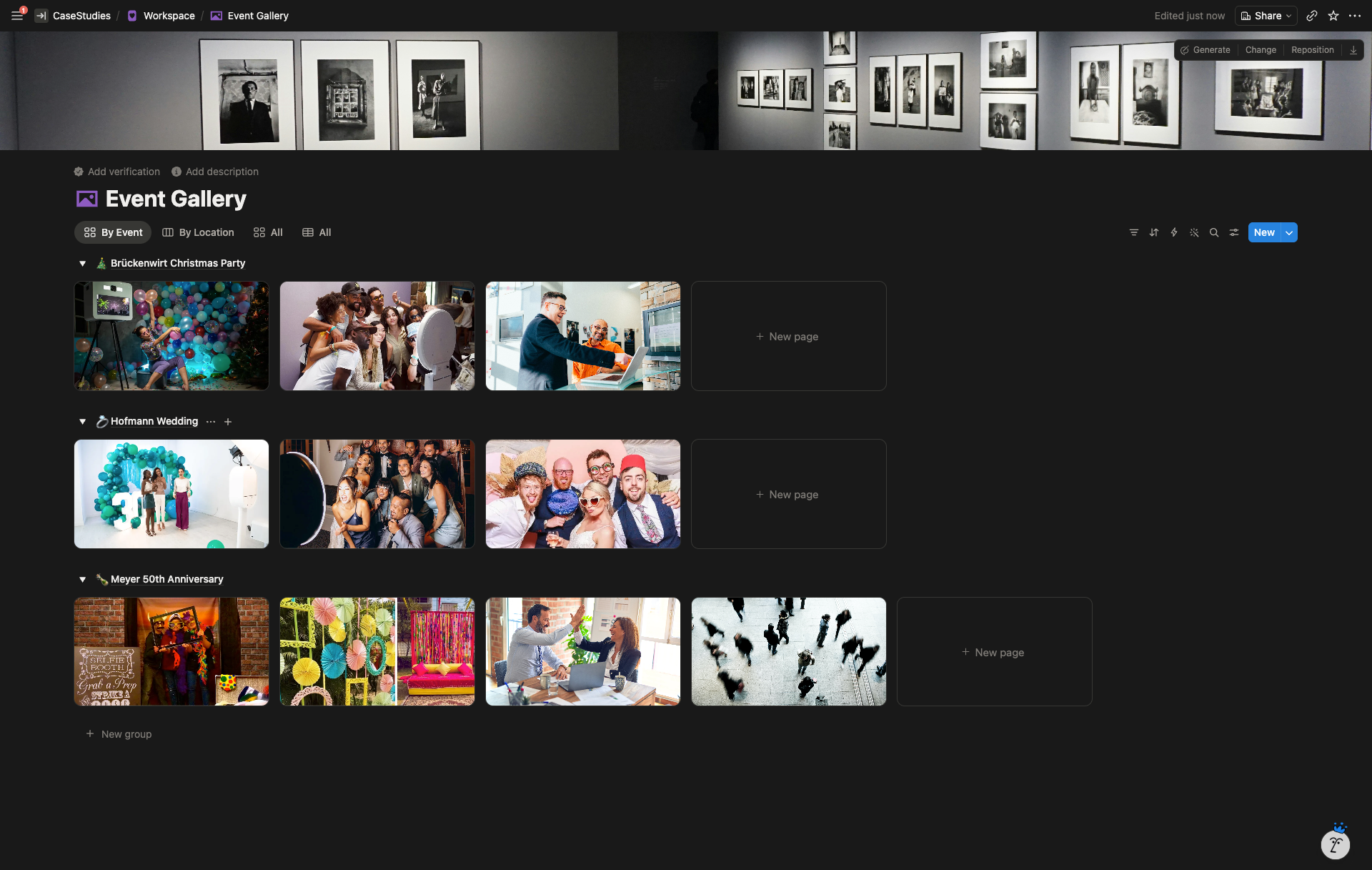
- Event Gallery with dual views. By Location (see every past event at a venue) and By Event (see the full job).
- Role-based permissions so each of the 7 employees sees what they need for their work, nothing more.
System Architecture
The Result
Structurally, the team went from 6+ disconnected Excel sheets to a single teamspace where every event is one click from everything tied to it. Client intake became automated. Asset conflicts became visible. The workspace now scales with the business instead of being a bottleneck.